
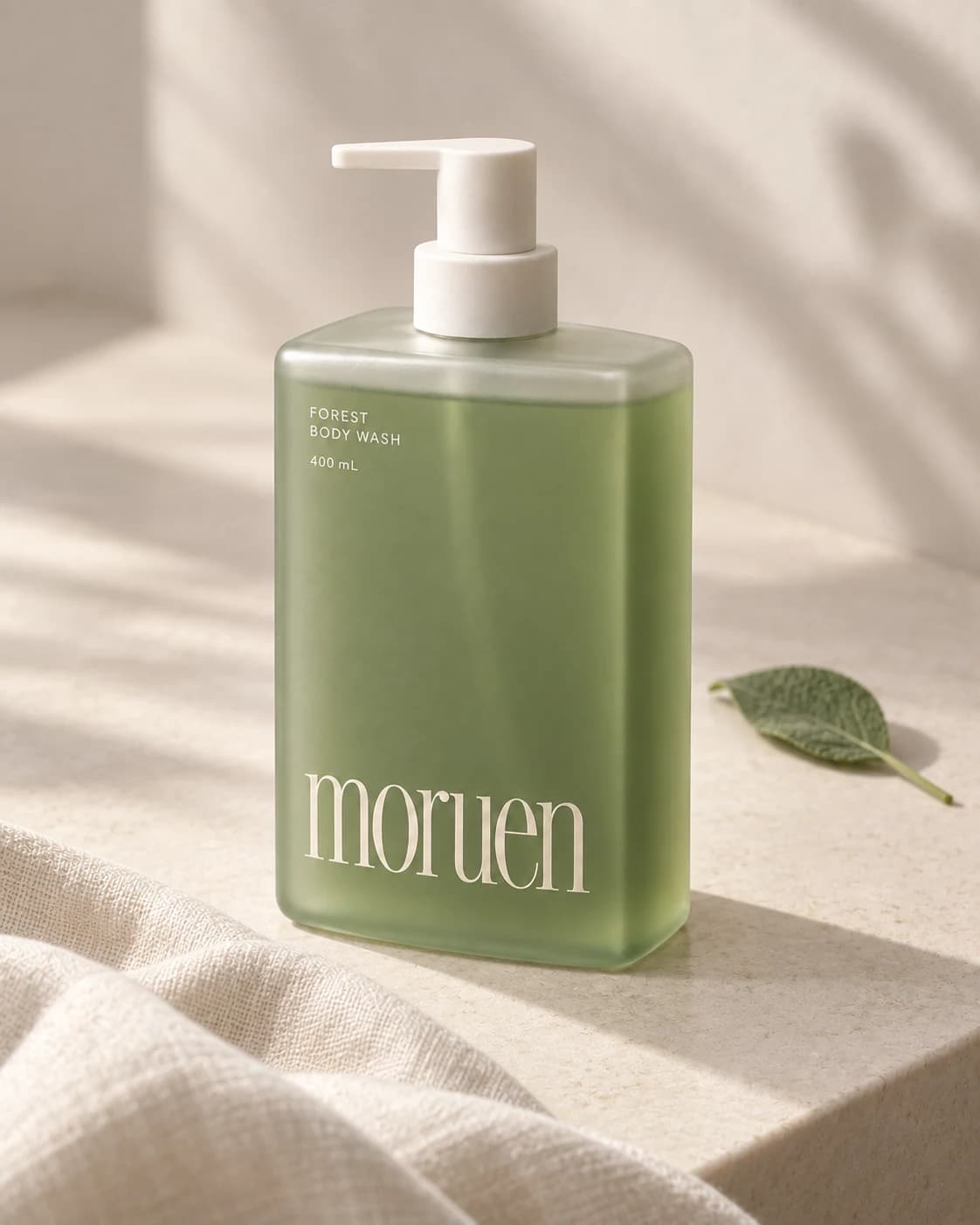
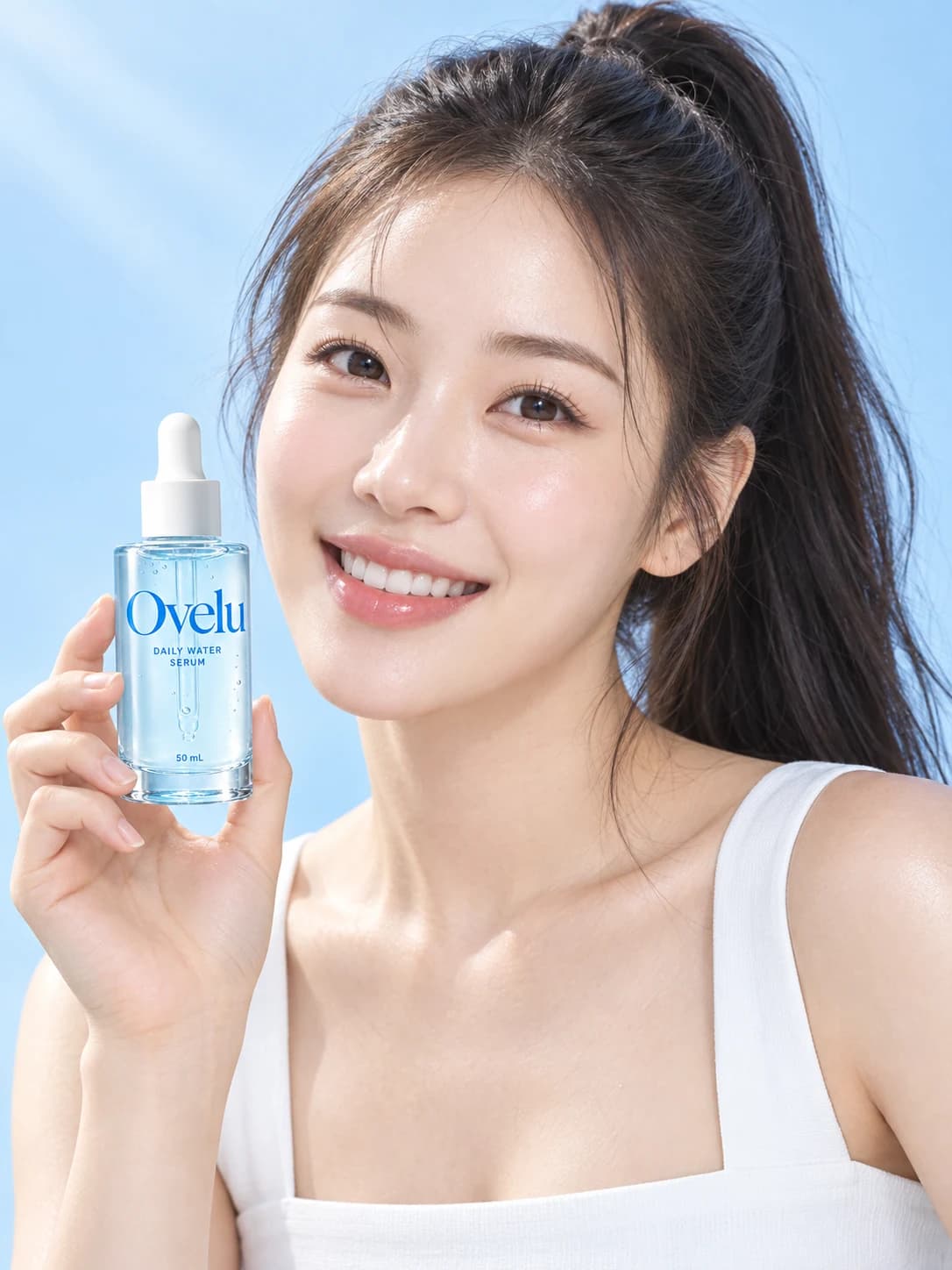
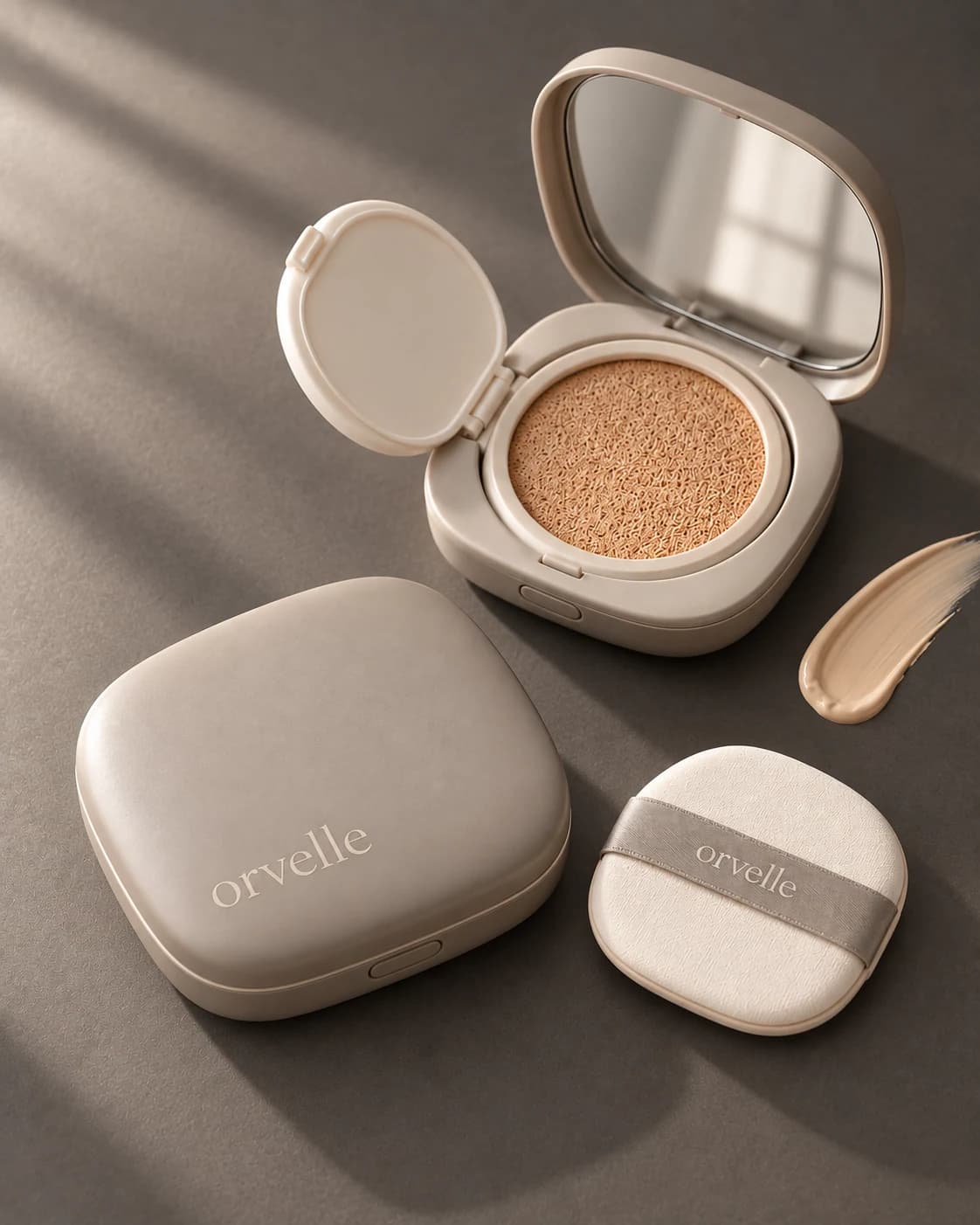
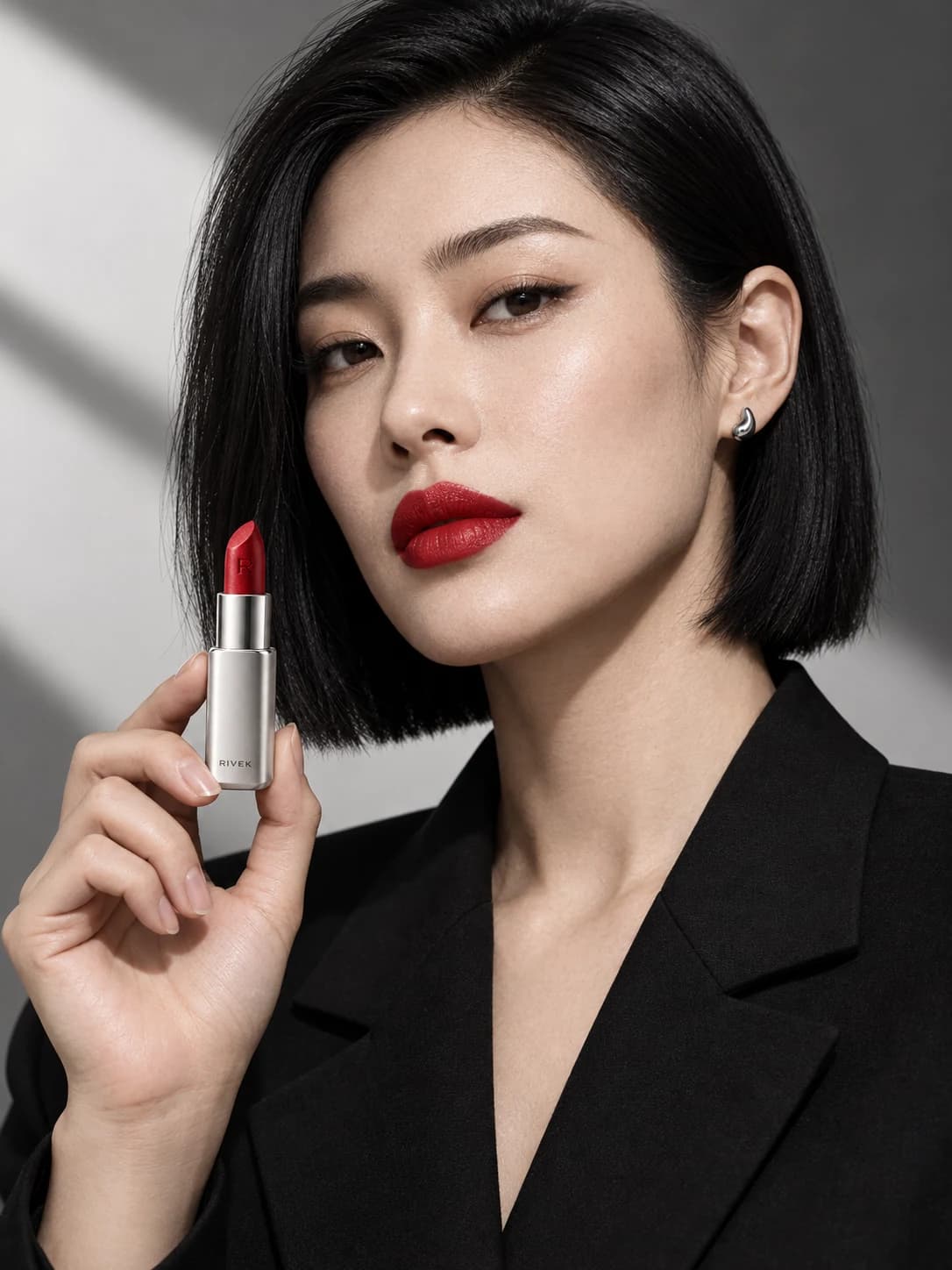
Get templates matched to your product, with brand references and a ready-to-use brief. Take your chosen layout into ChatGPT and keep creating your product page.
Finished product page preview
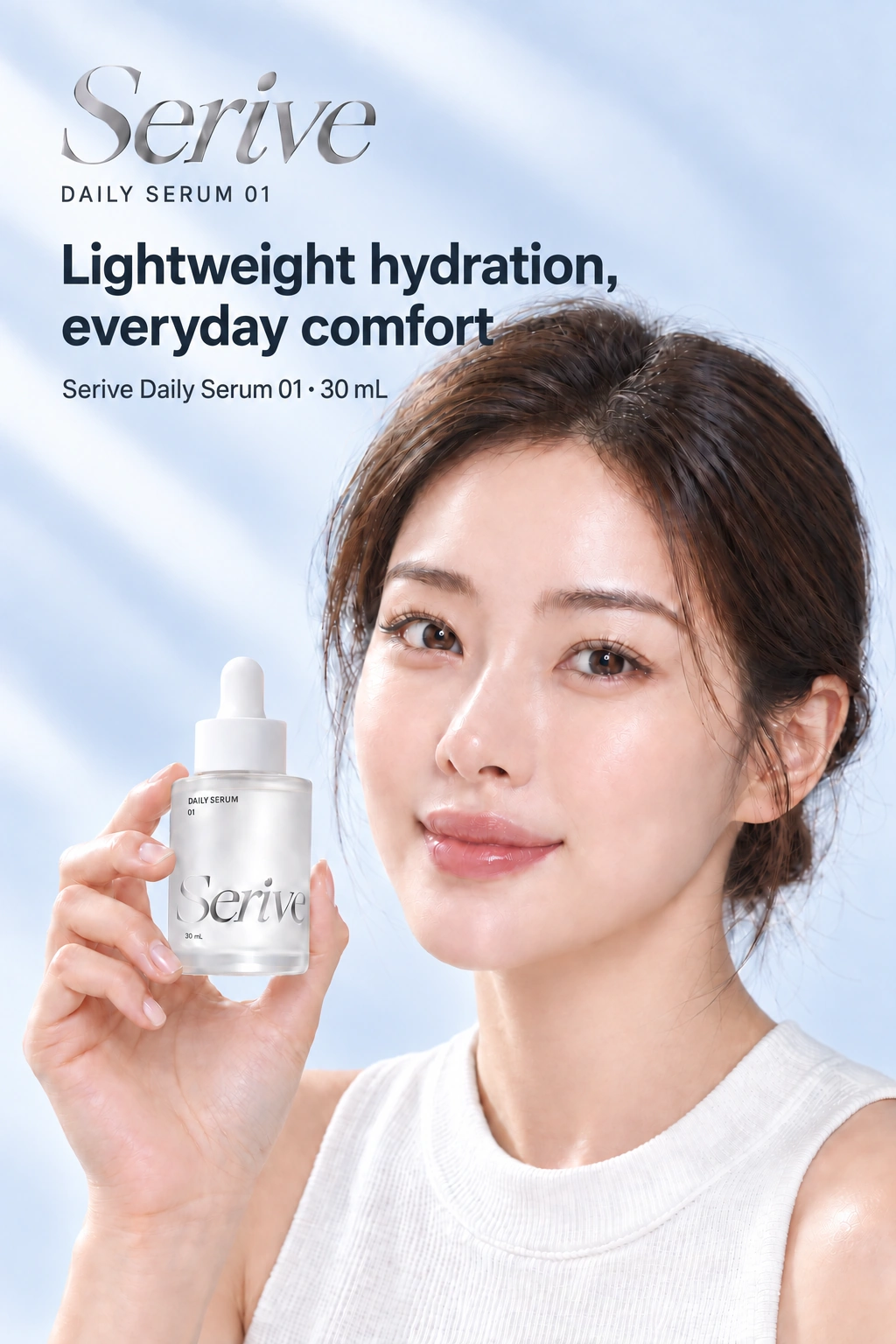
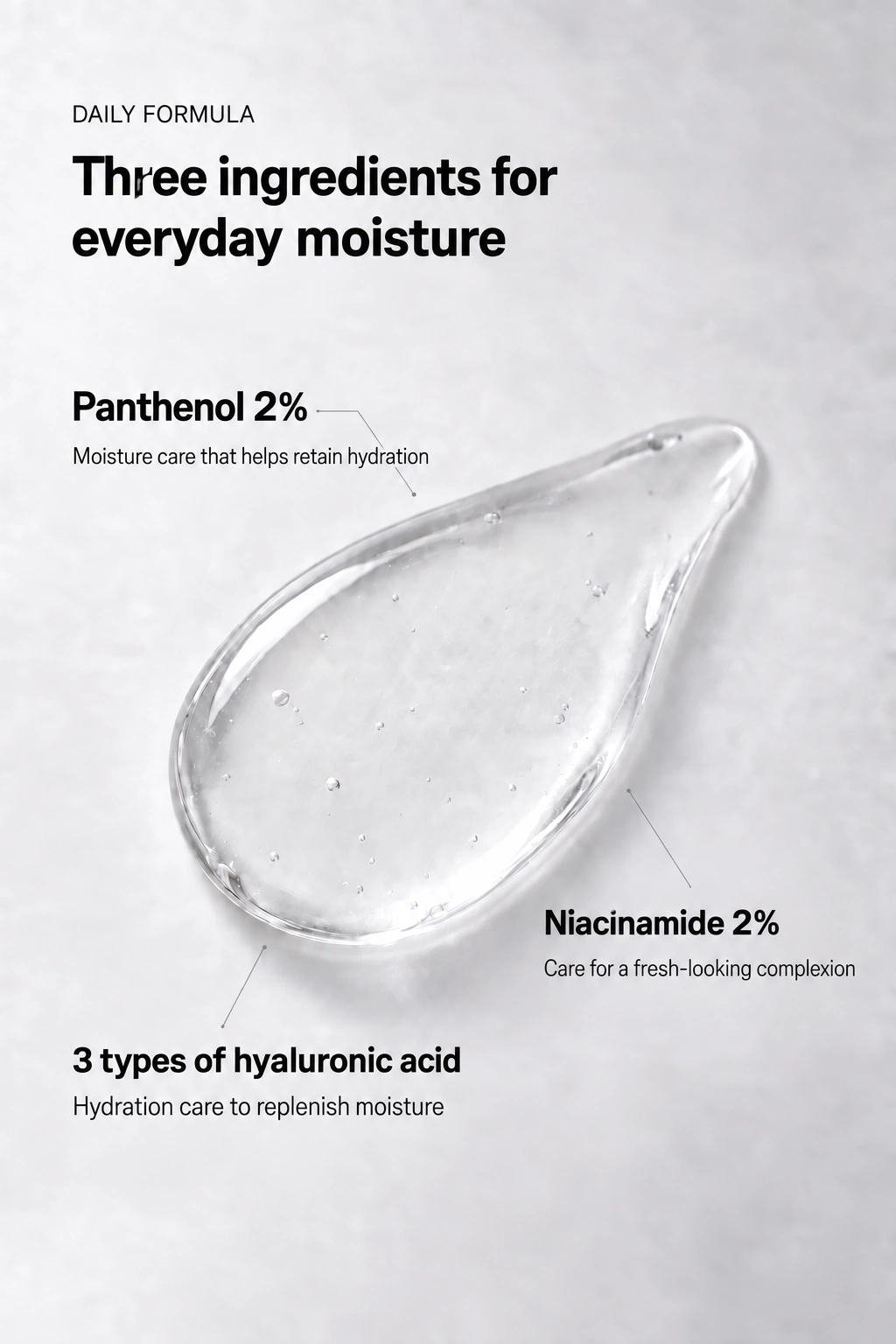
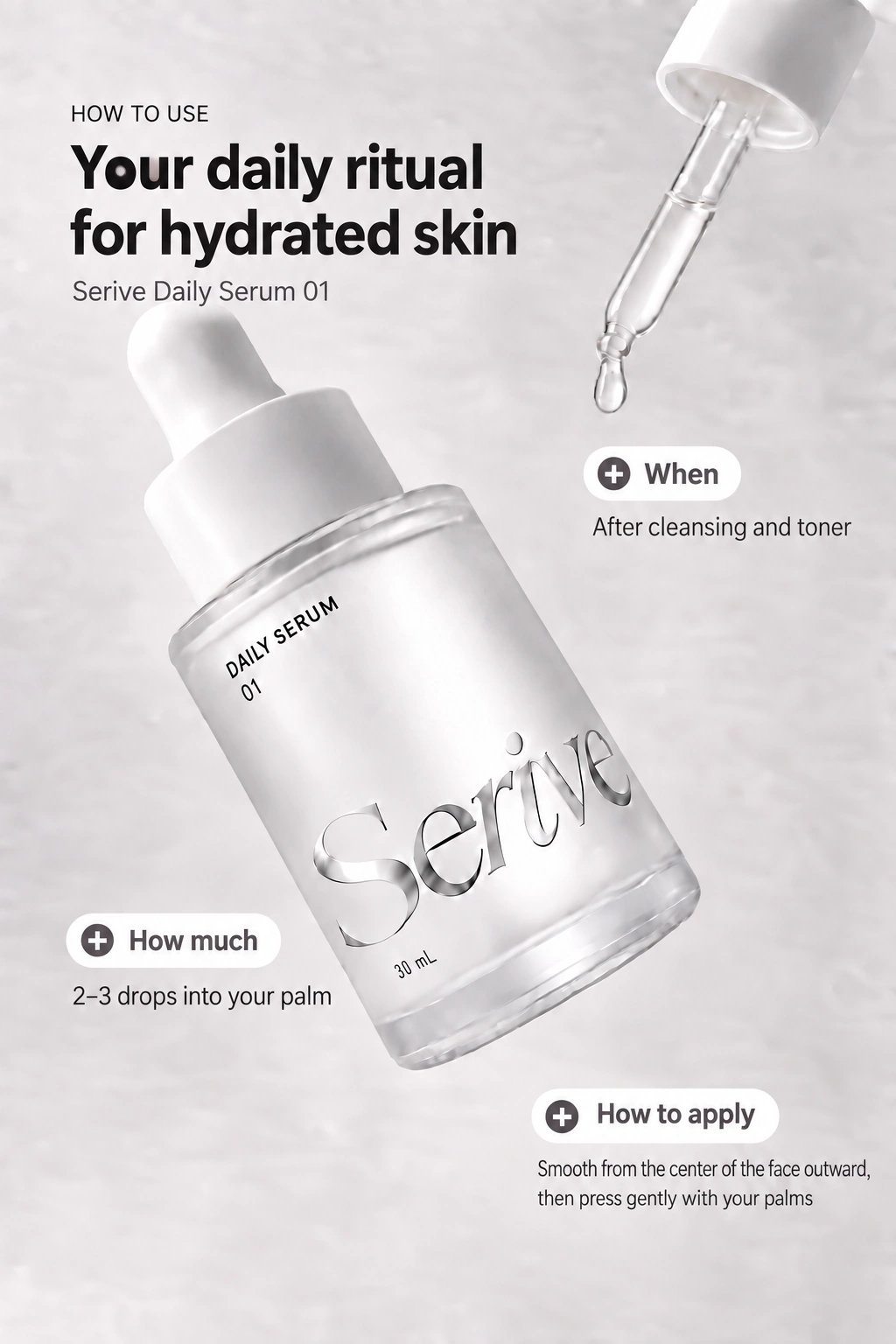
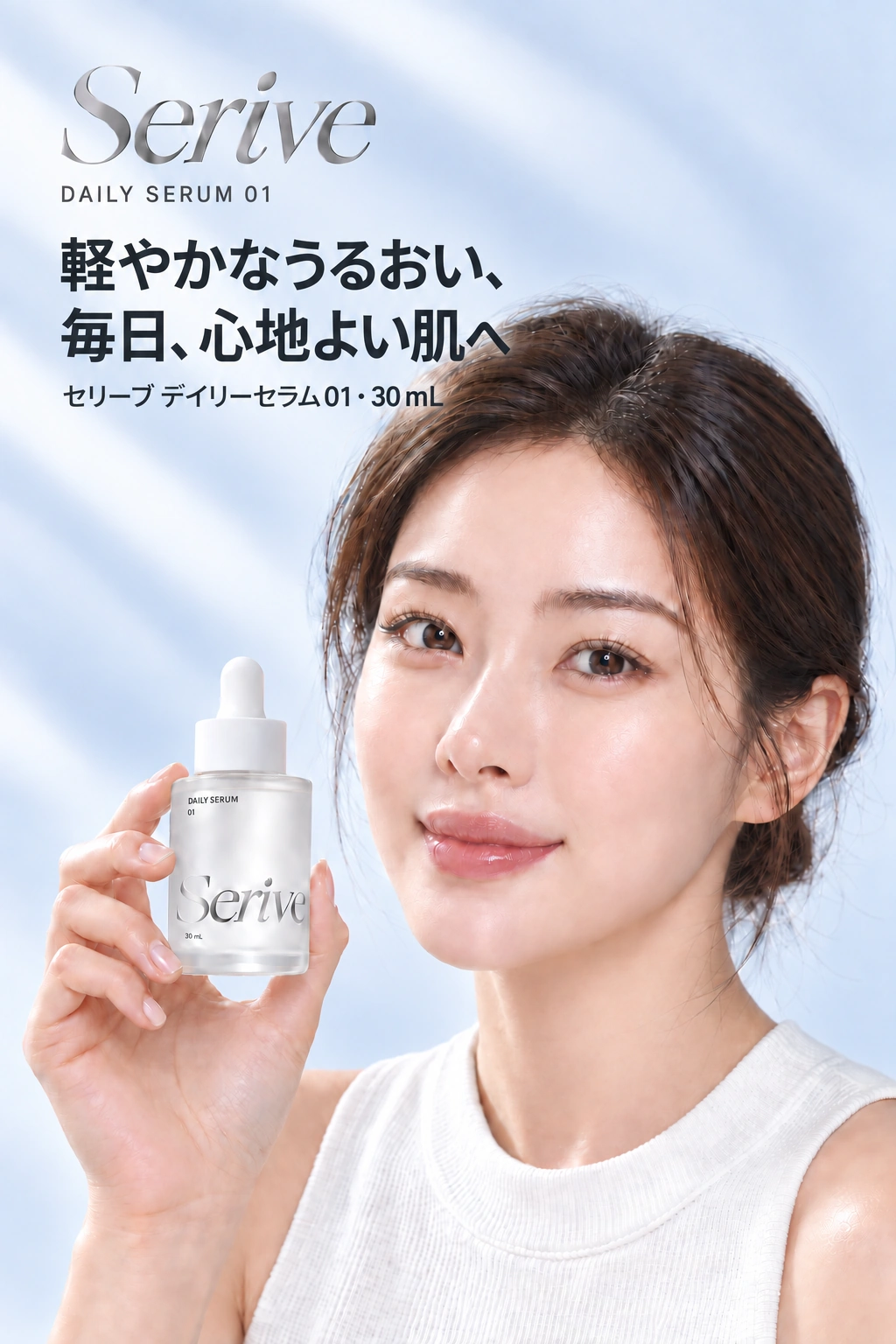
Serive · Daily serum
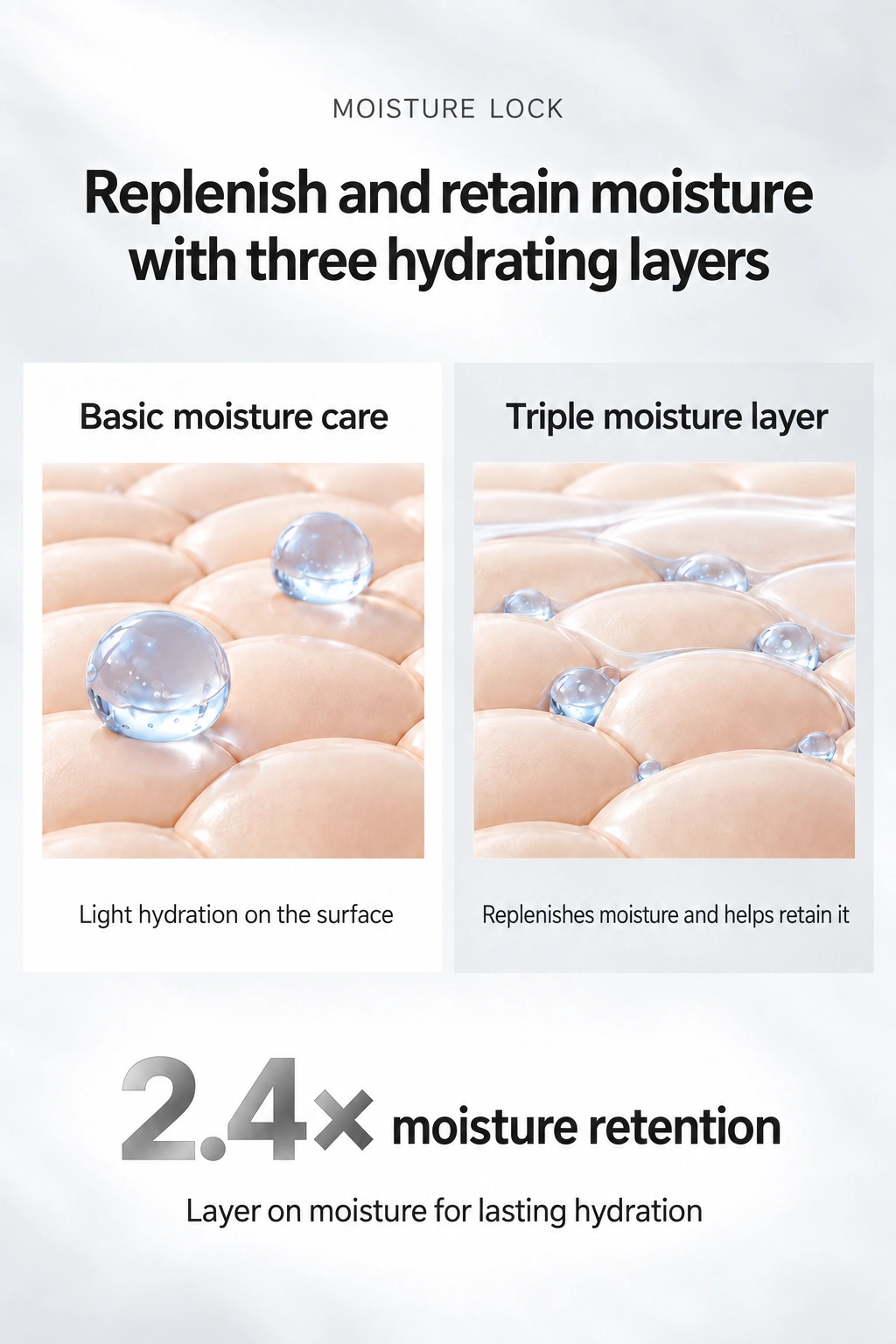
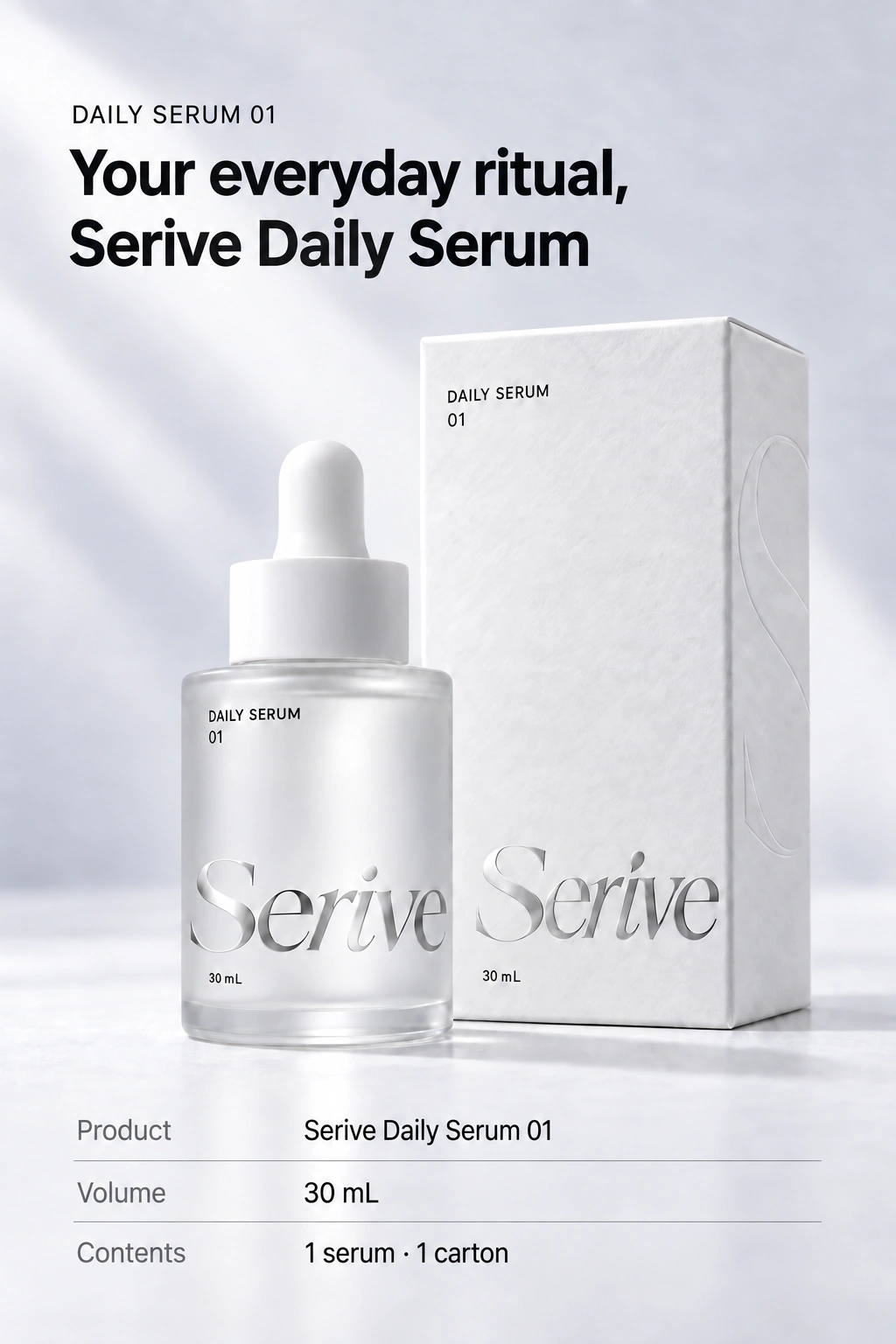
Ready to sell more, but content is holding you back?
Selling takes more than a single photo.
Photos, copy, and a consistent look across every asset.
There is so much to bring together.
- Model shoots
- Product shoots
- Copywriting
- Product pages
- Social content
- Concepts
- Ads
- Consistency
One ClickWitch. A new way to create.
From product pages to ads. Always unmistakably your brand.
From product and model shots to textures and real-life use
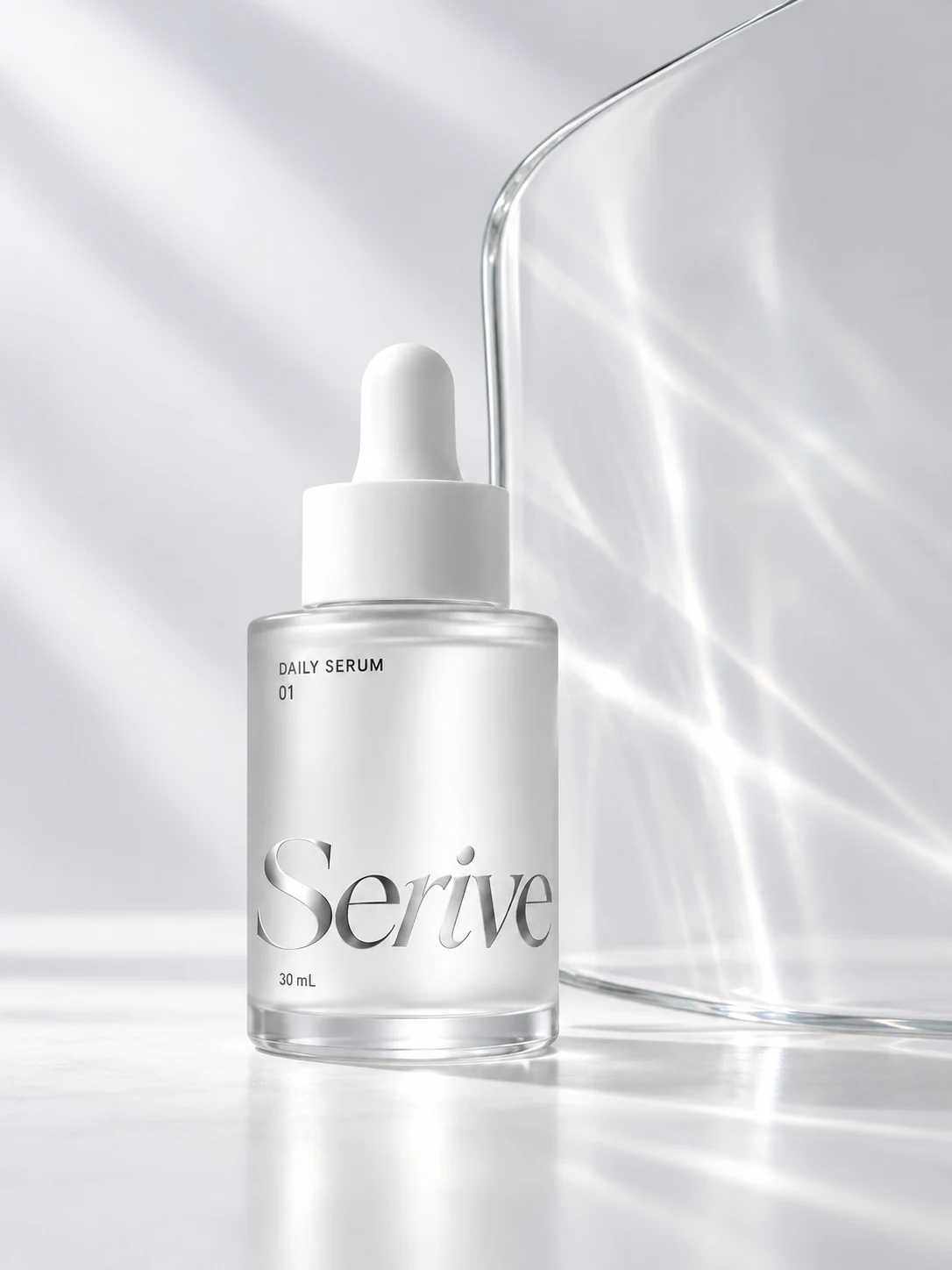
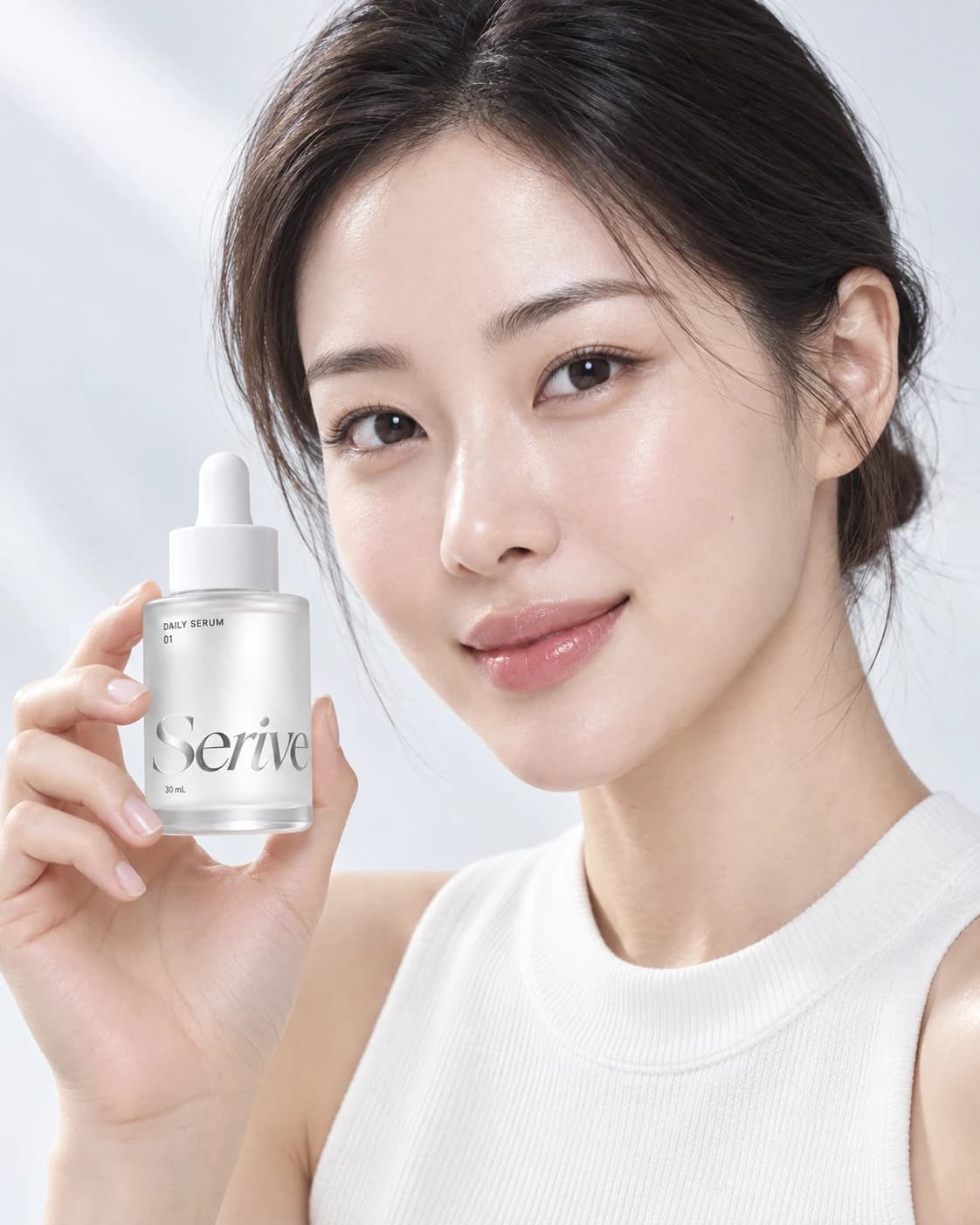
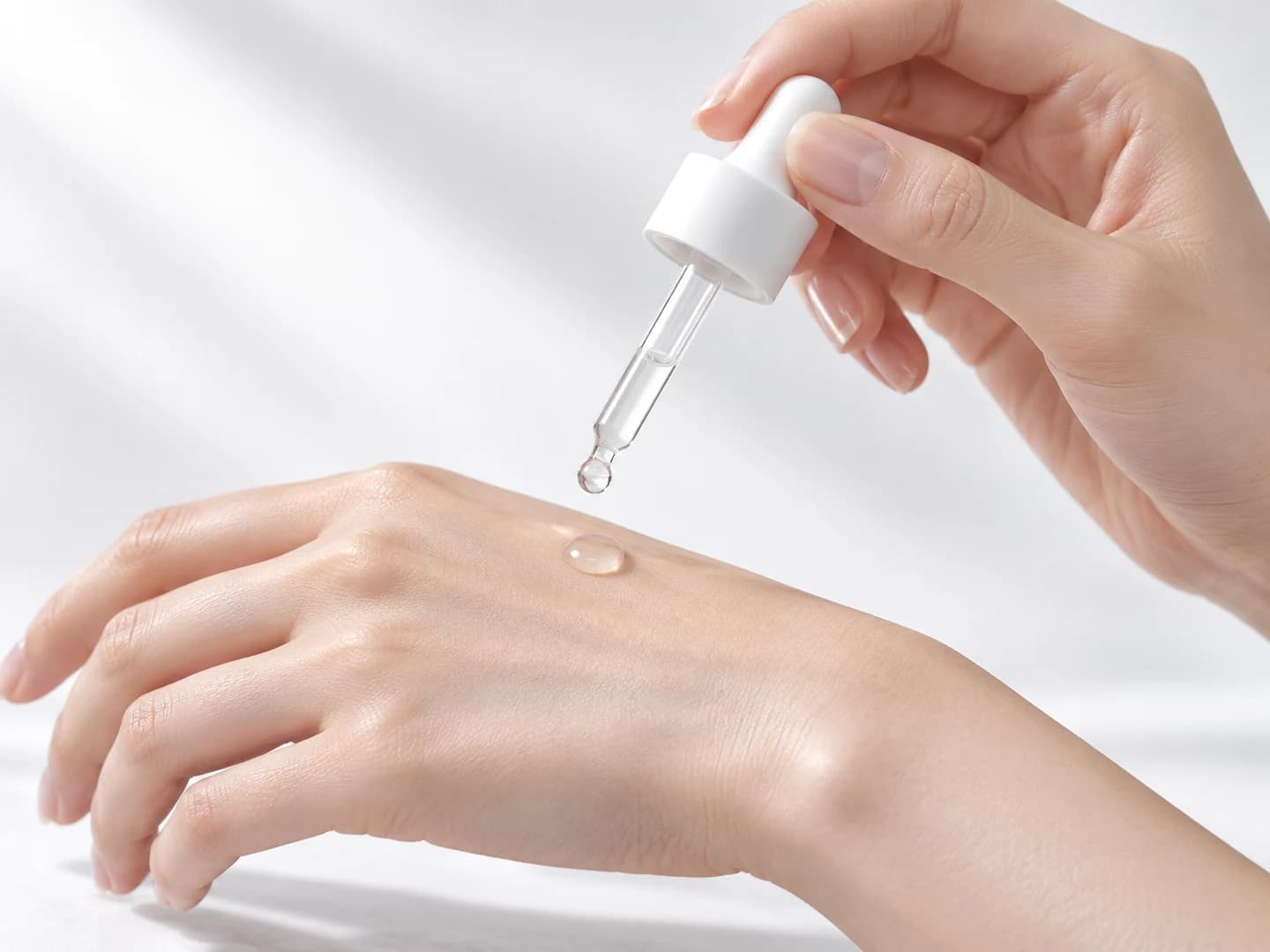
Find the right template without the reference hunt
Layouts for a hydrating serum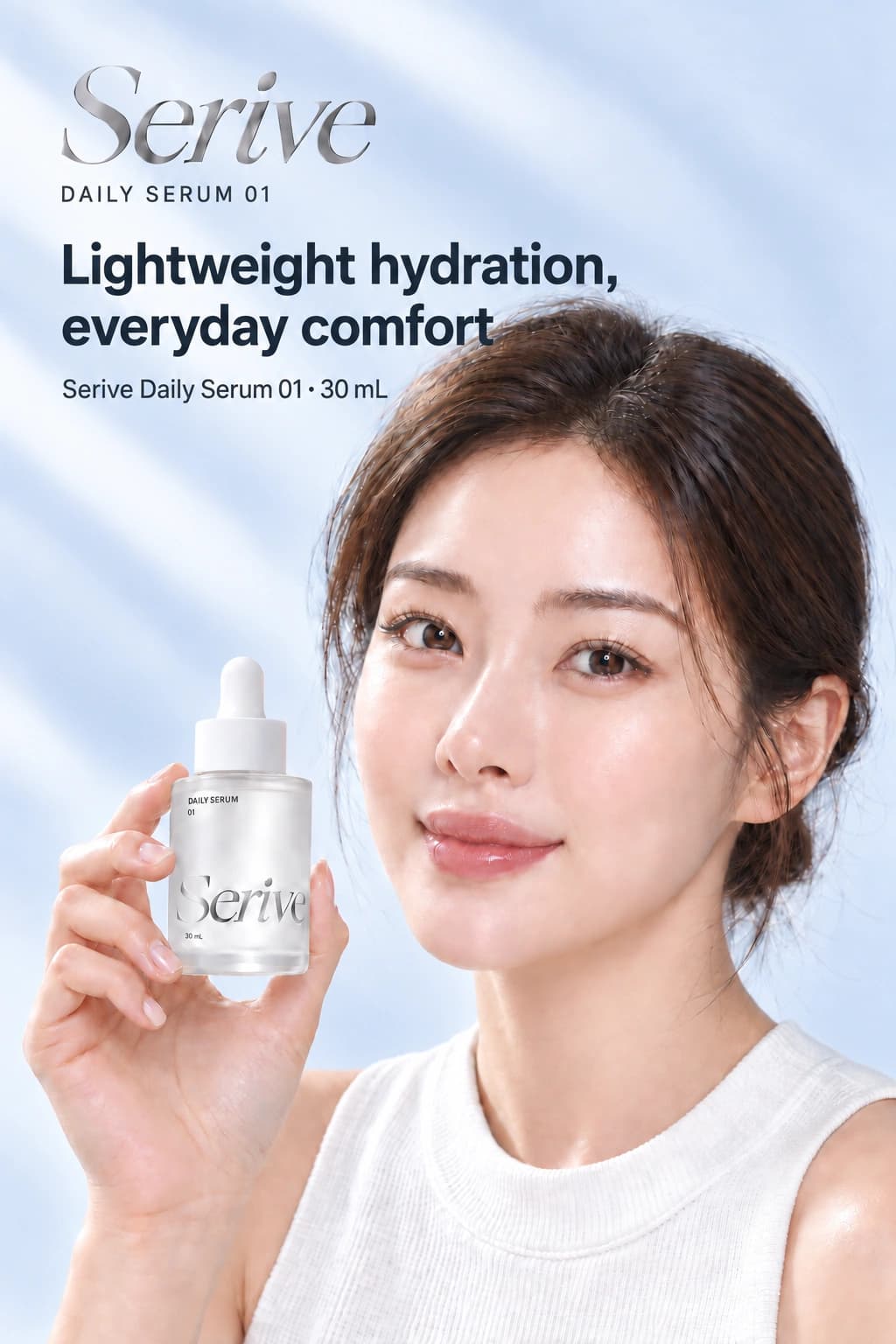
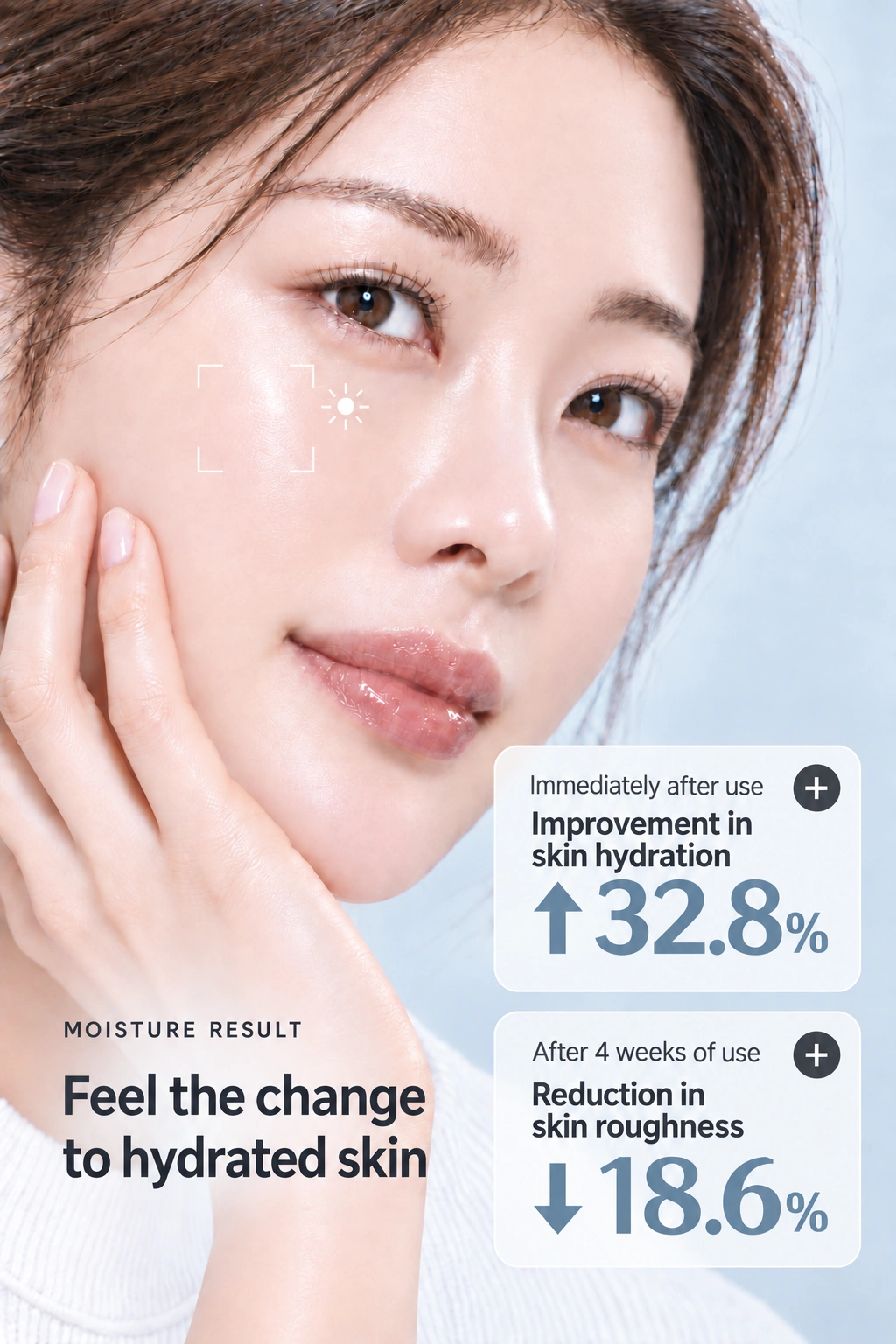
Model-led 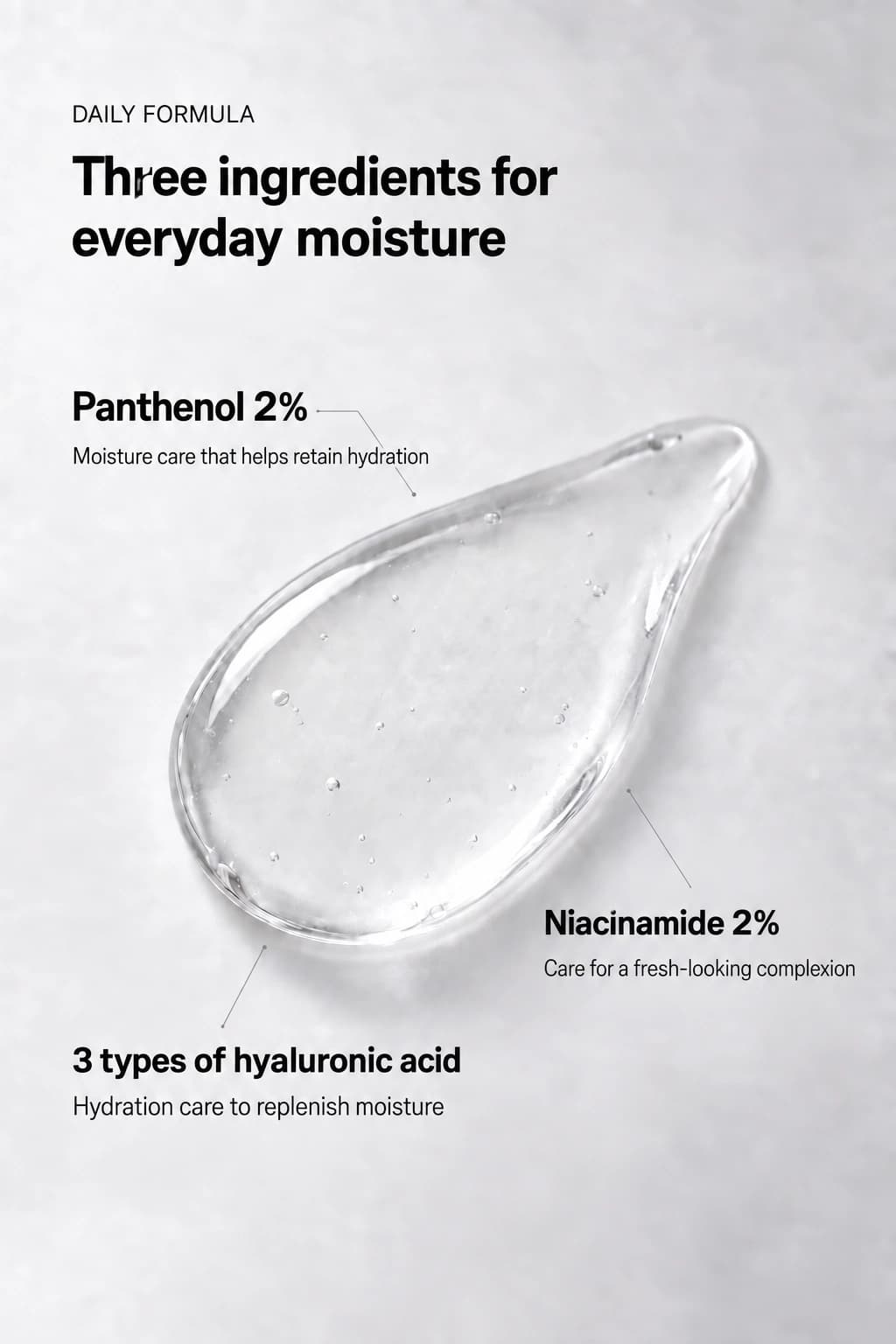
Ingredients 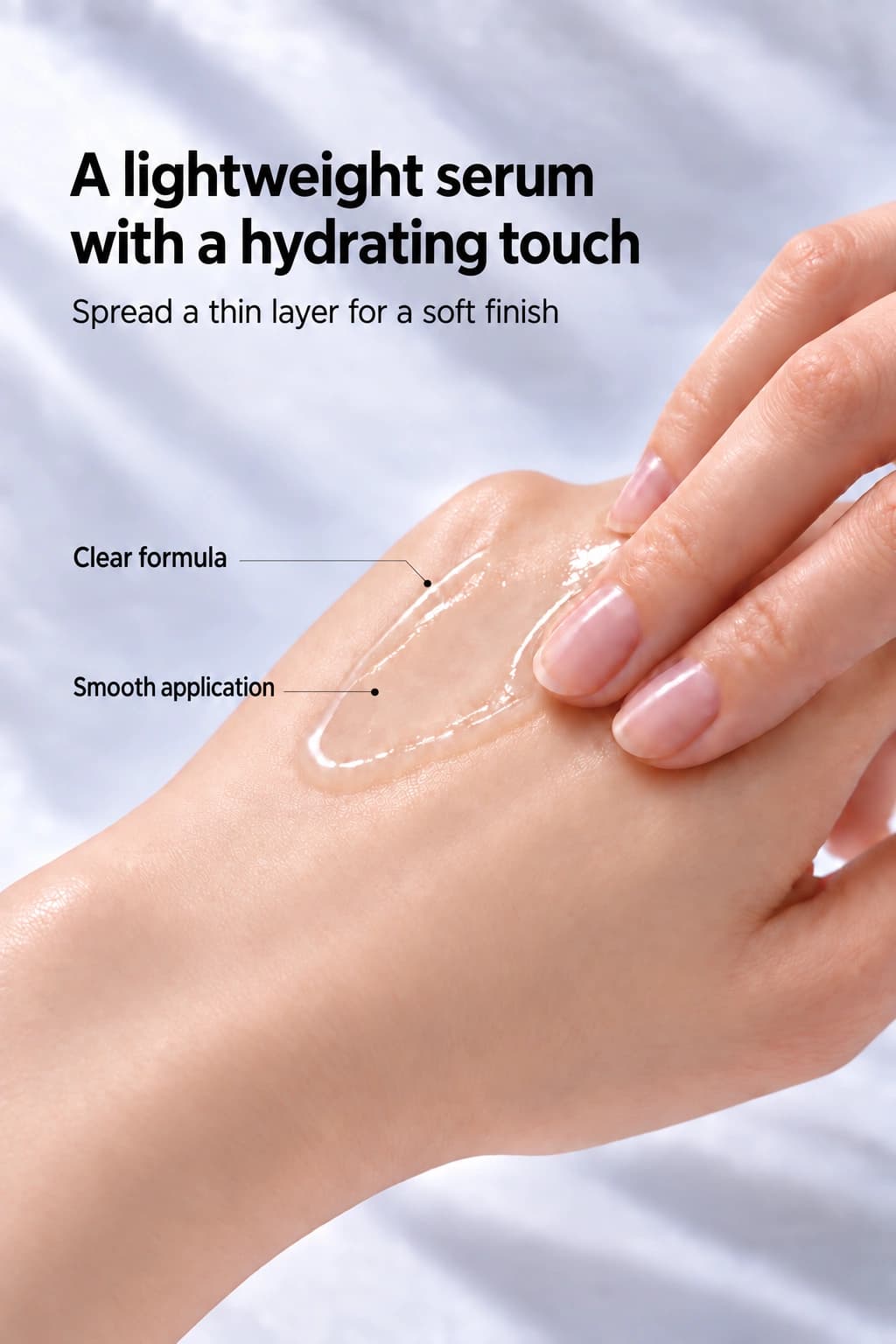
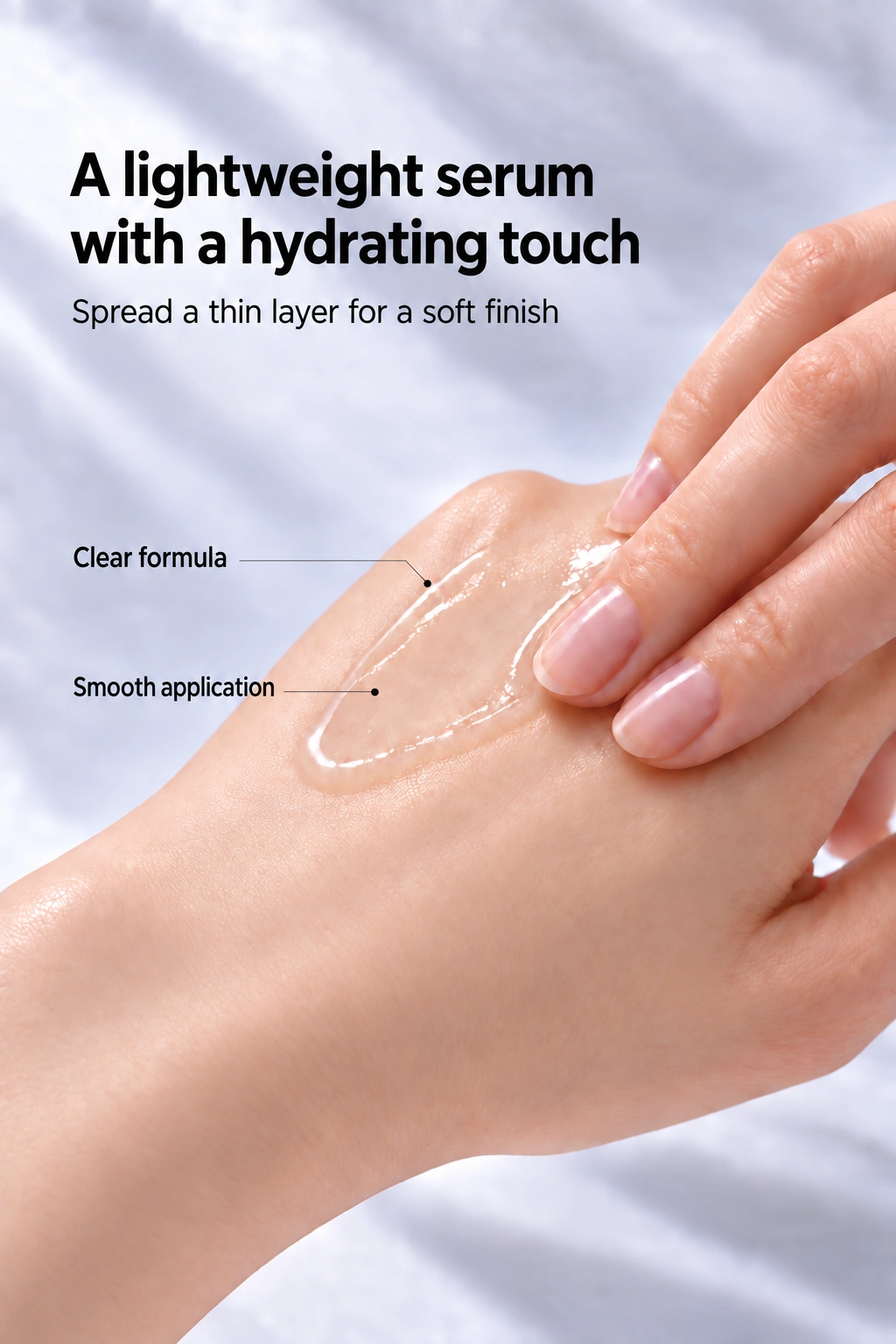
Texture
AI-powered planning, from strengths to audience
SERIVE · CREATIVE BRIEFDaily hydration.
Light and effortless.
Light and effortless.
- Product strength
- Lightweight feel
- Audience
- People seeking light hydration
- Tone & mood
- Clear and calm
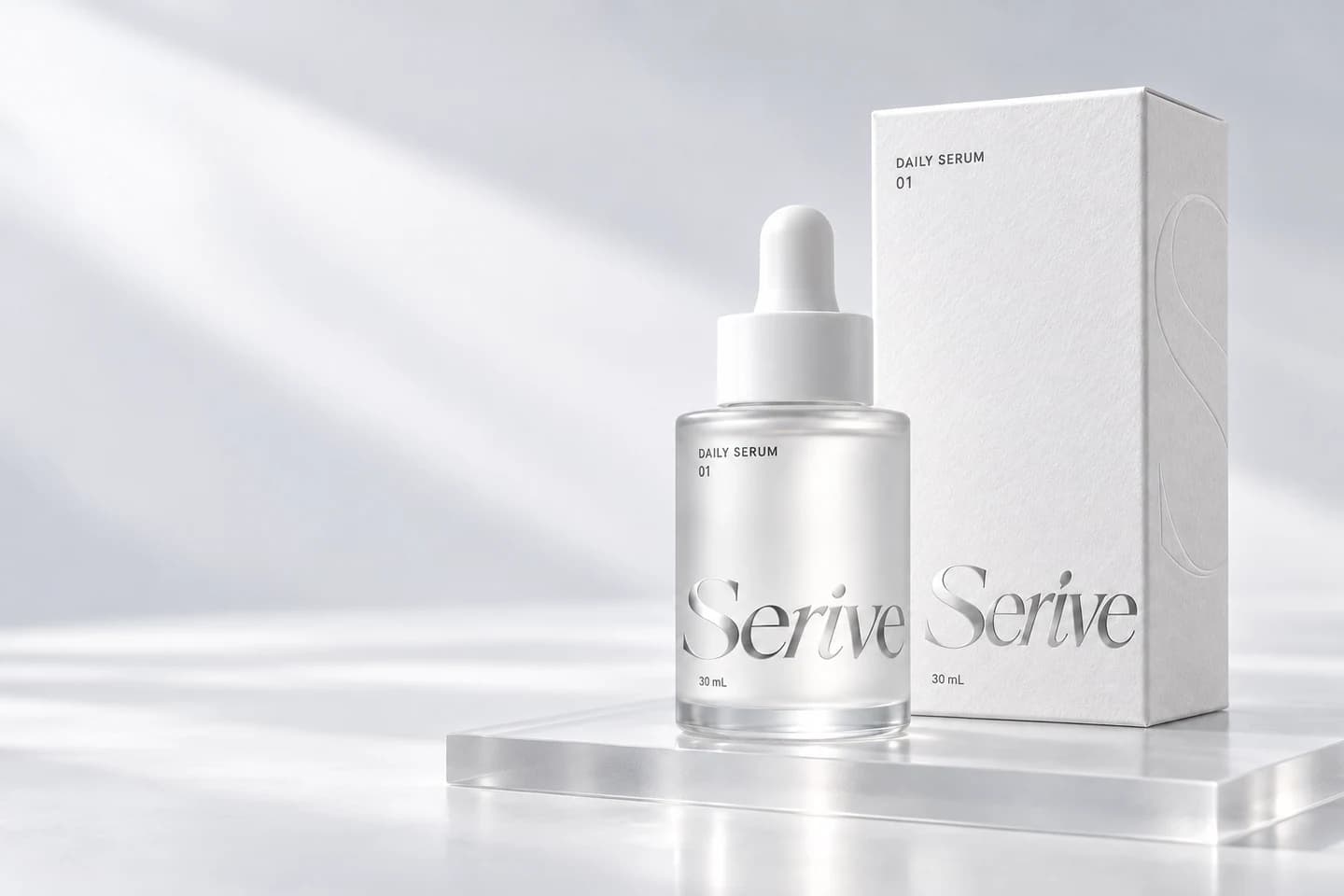
Custom-made sections, ready to use separately
From product pages to ad creatives
One creative direction, across every touchpoint.
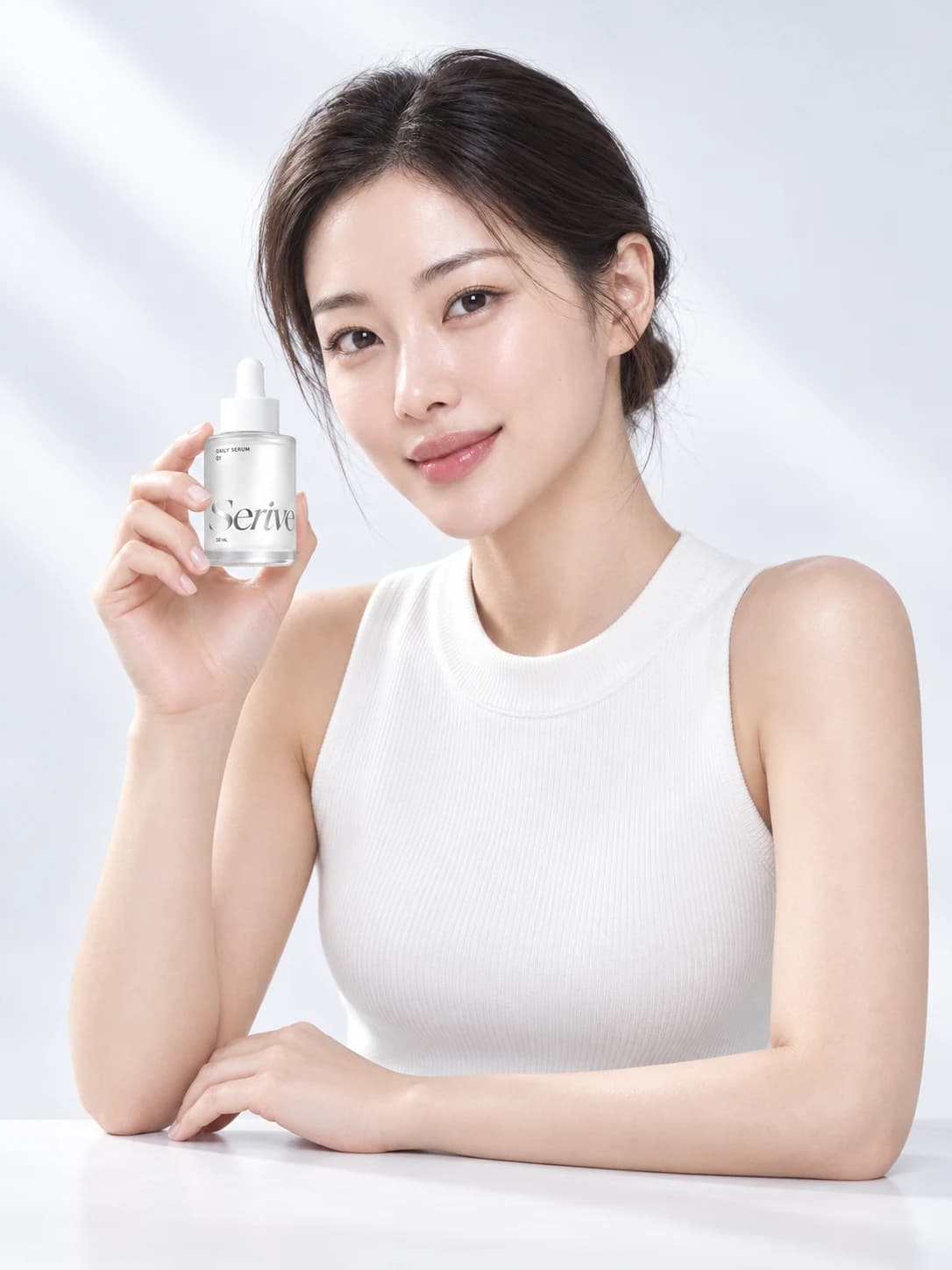 SeriveA quiet ritual.
Made for you.
A feed that brings your brand together
Build one campaign with a consistent series of visuals.
Brand feed image 1Brand feed image 2Brand feed image 3Brand feed image 4SeriveDAILY RITUALBrand feed image 5
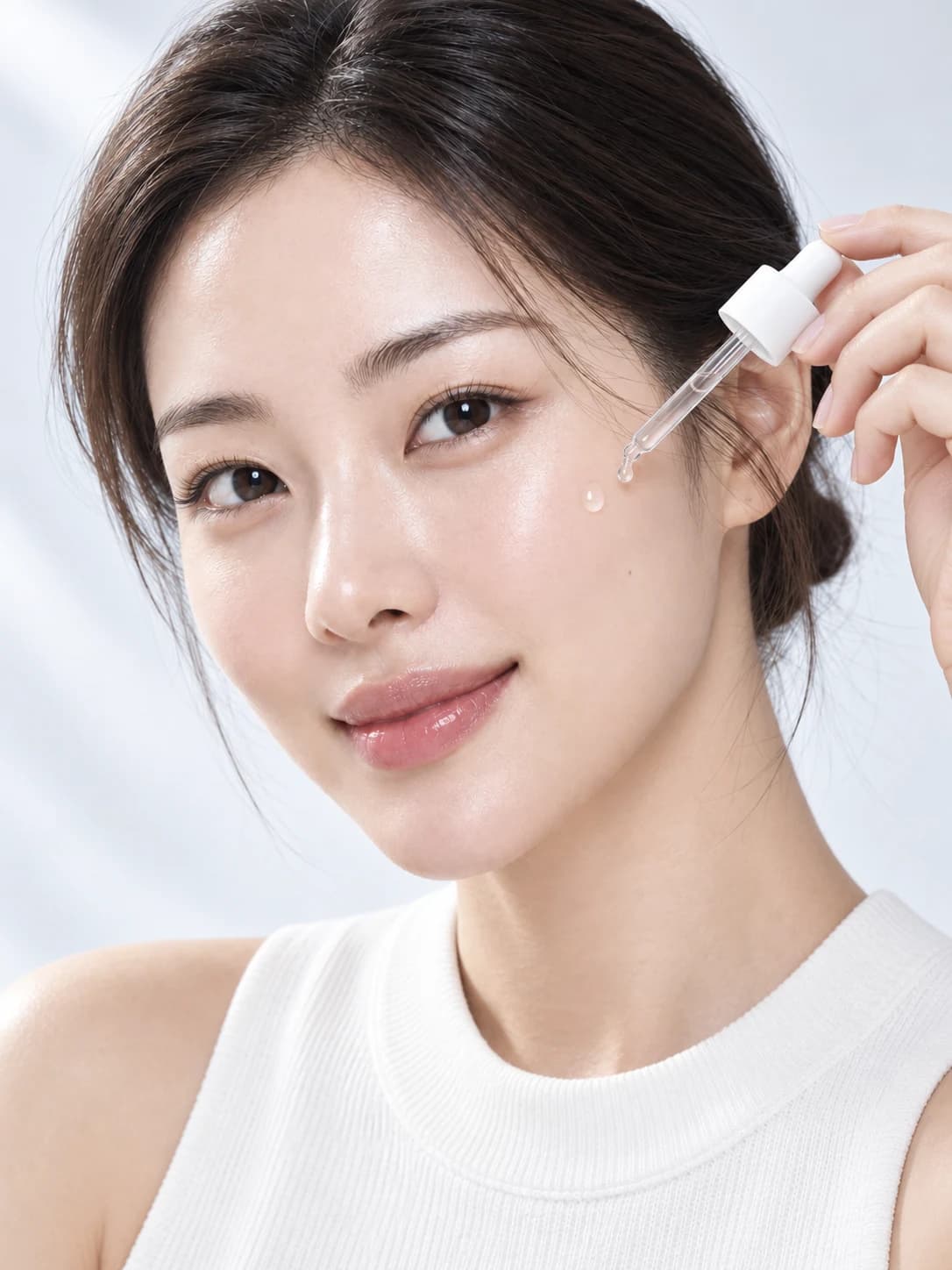 Brand feed image 6Brand feed image 7
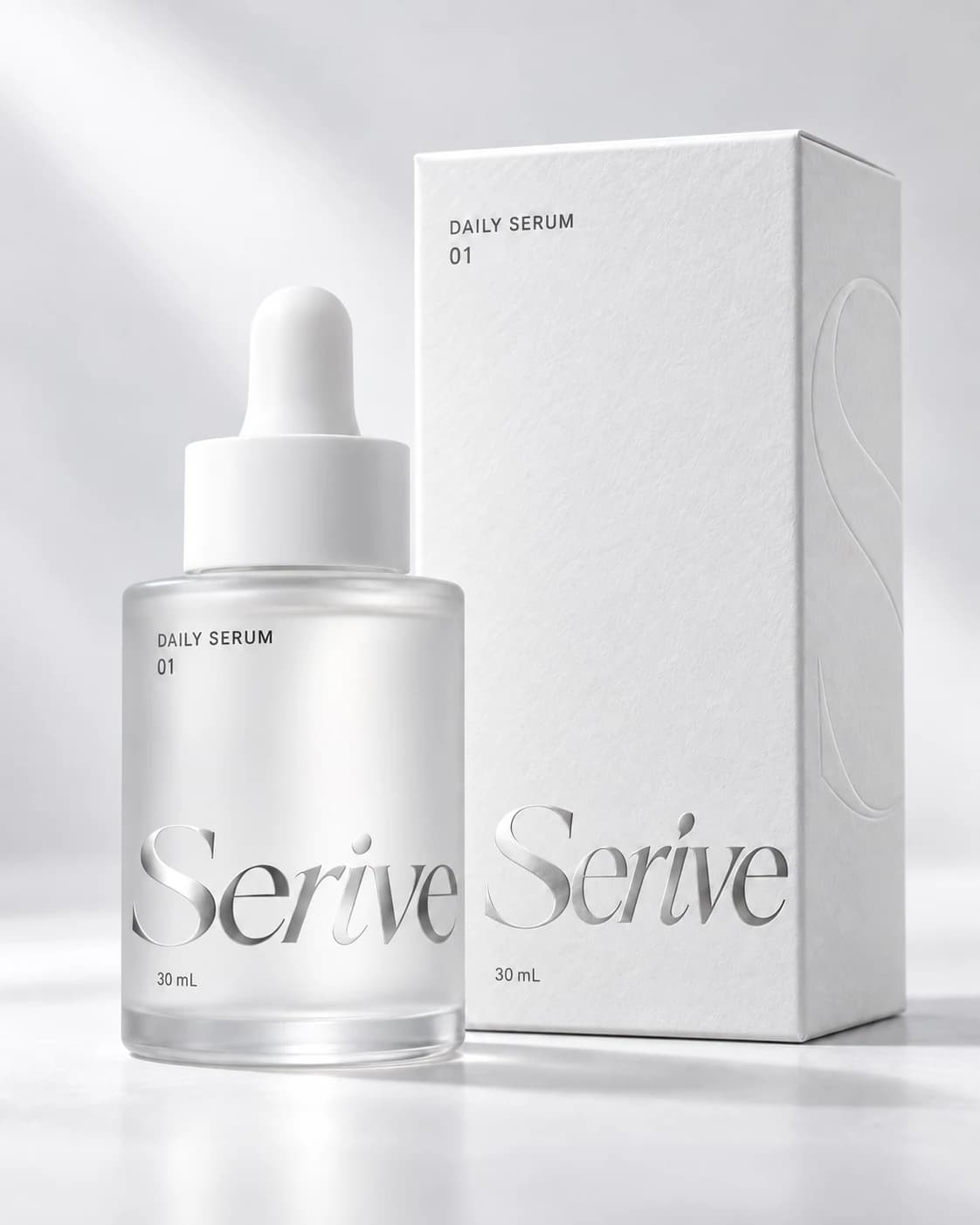 Brand feed image 8
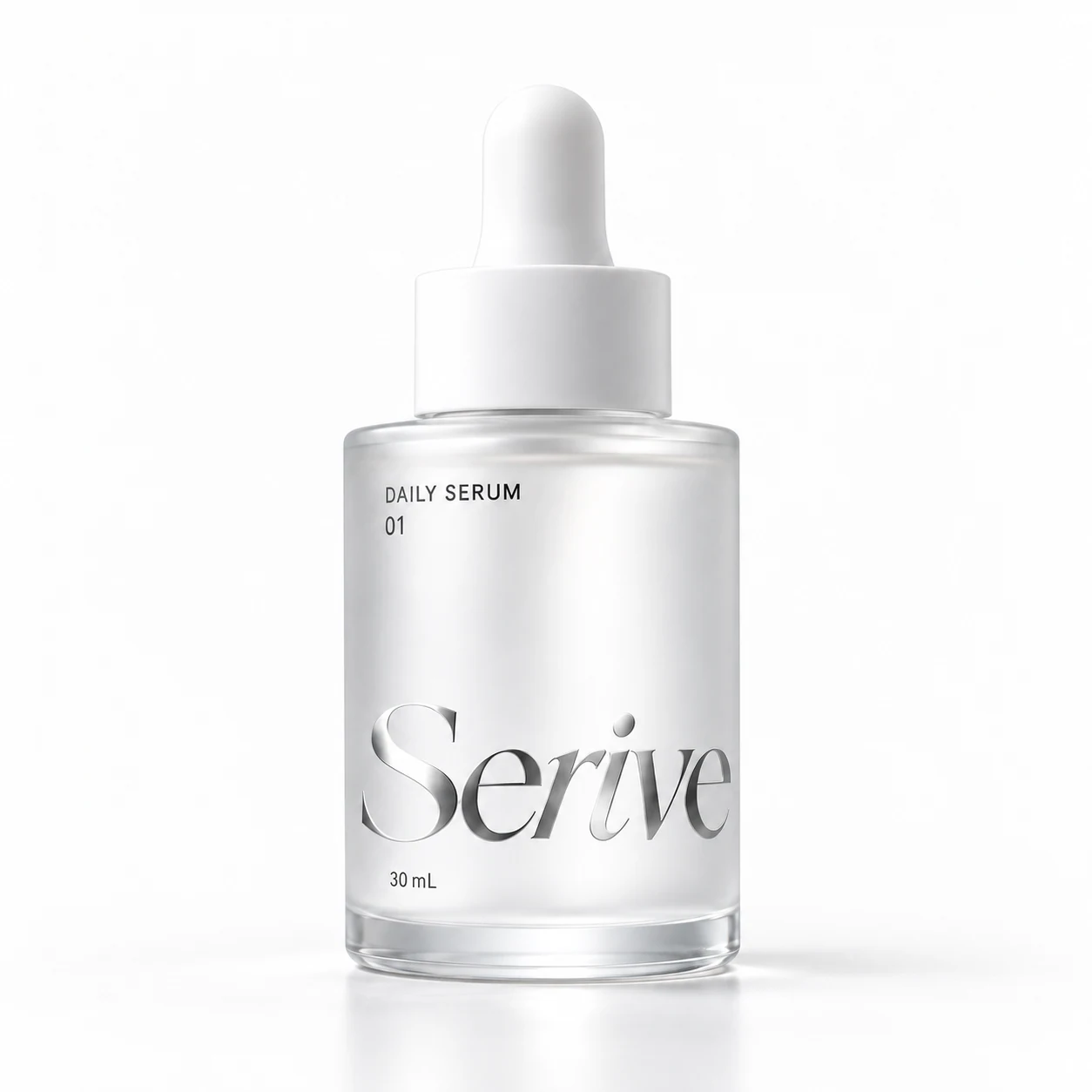 Brand feed image 9
Your brand model, in one character sheet
Set a consistent reference with expressions and angles.
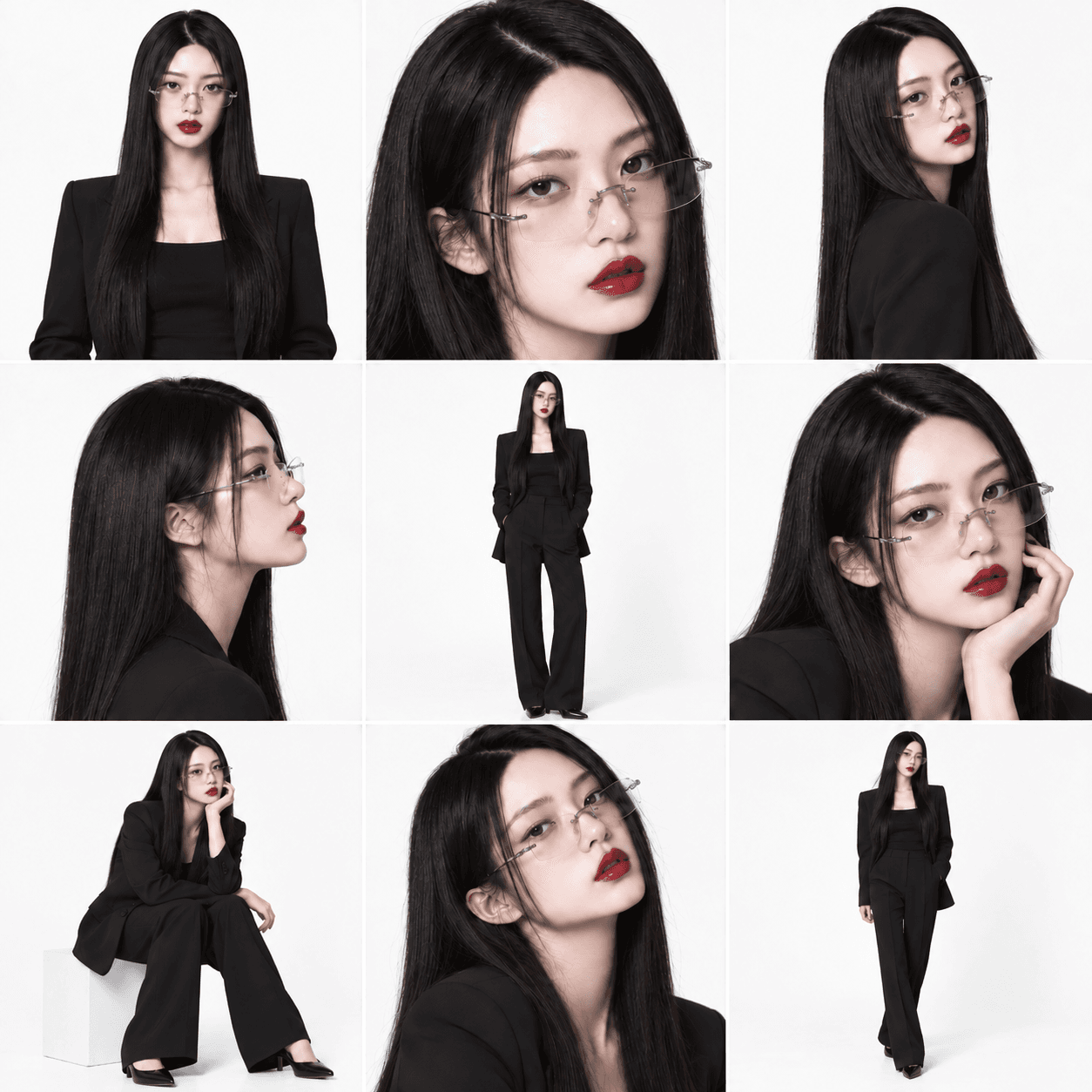
One model. Any pose, any scene.
Explore new angles, product poses, and backgrounds together.
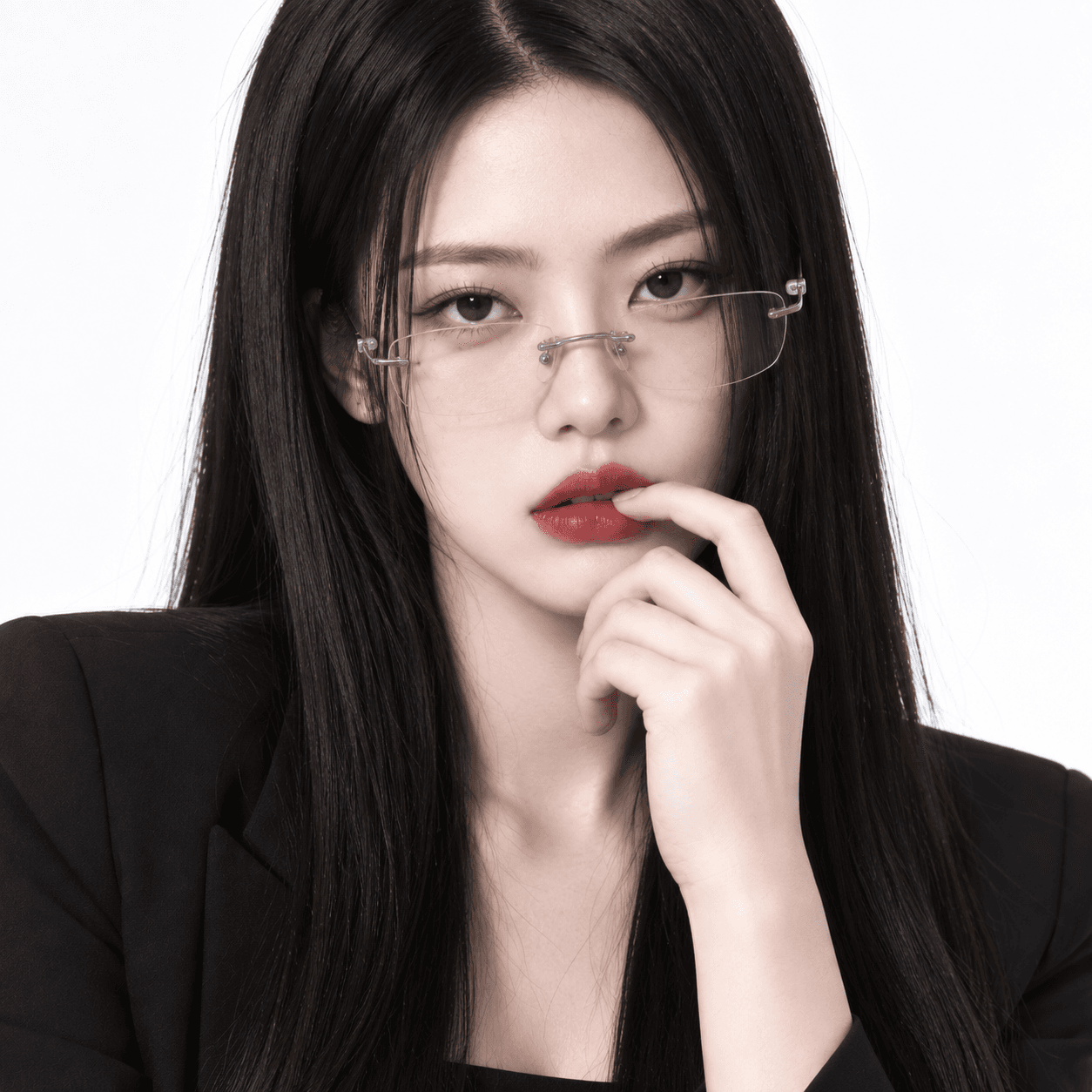
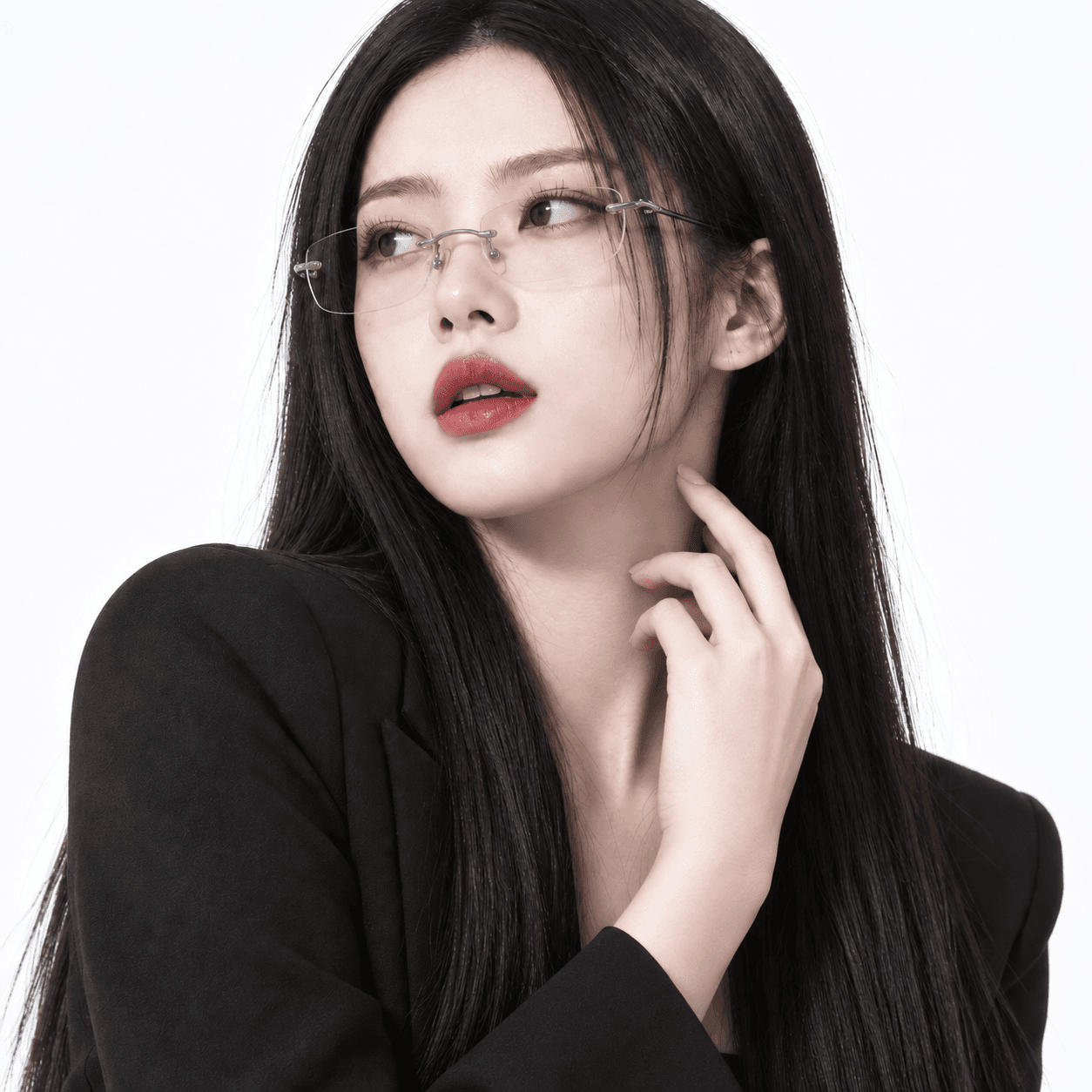
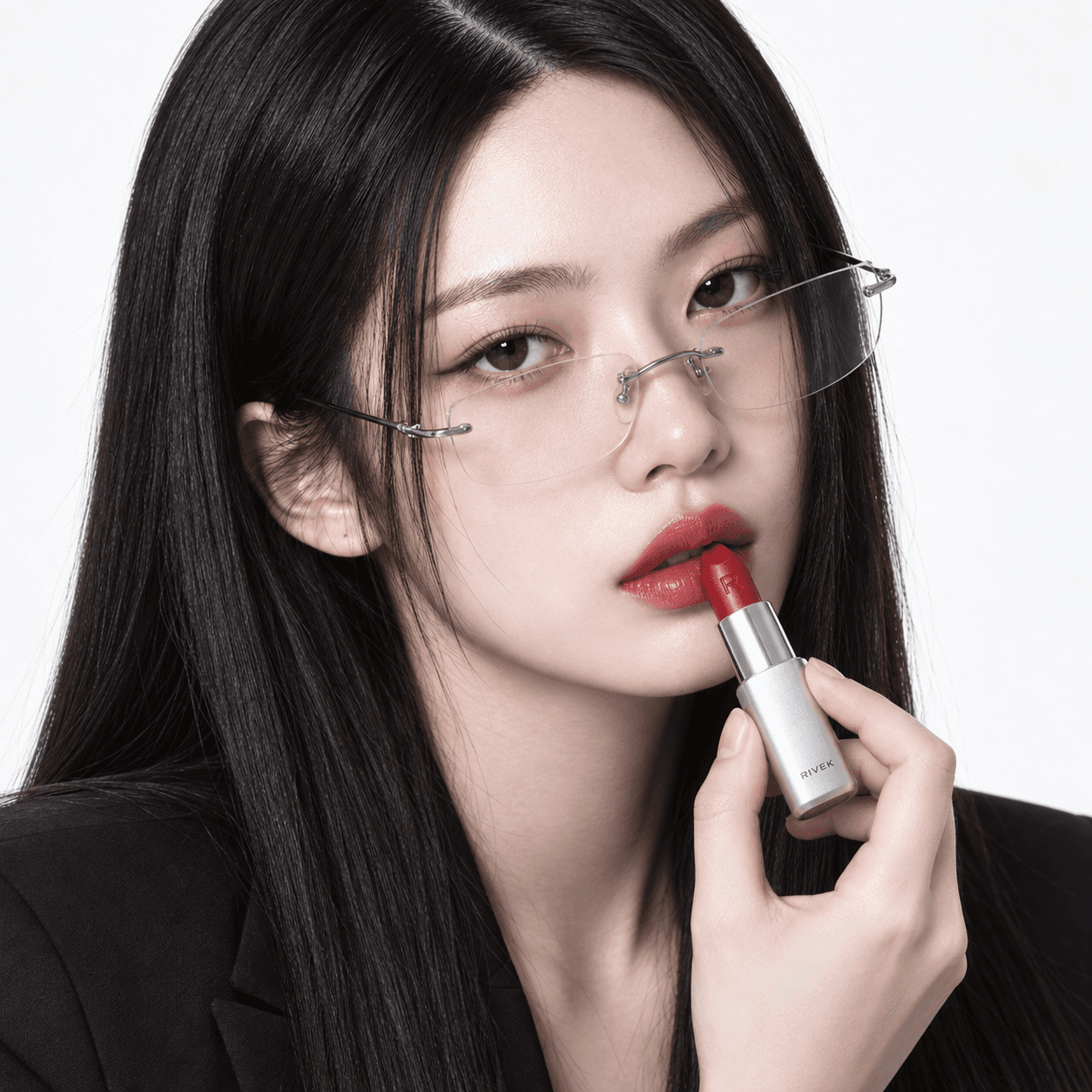
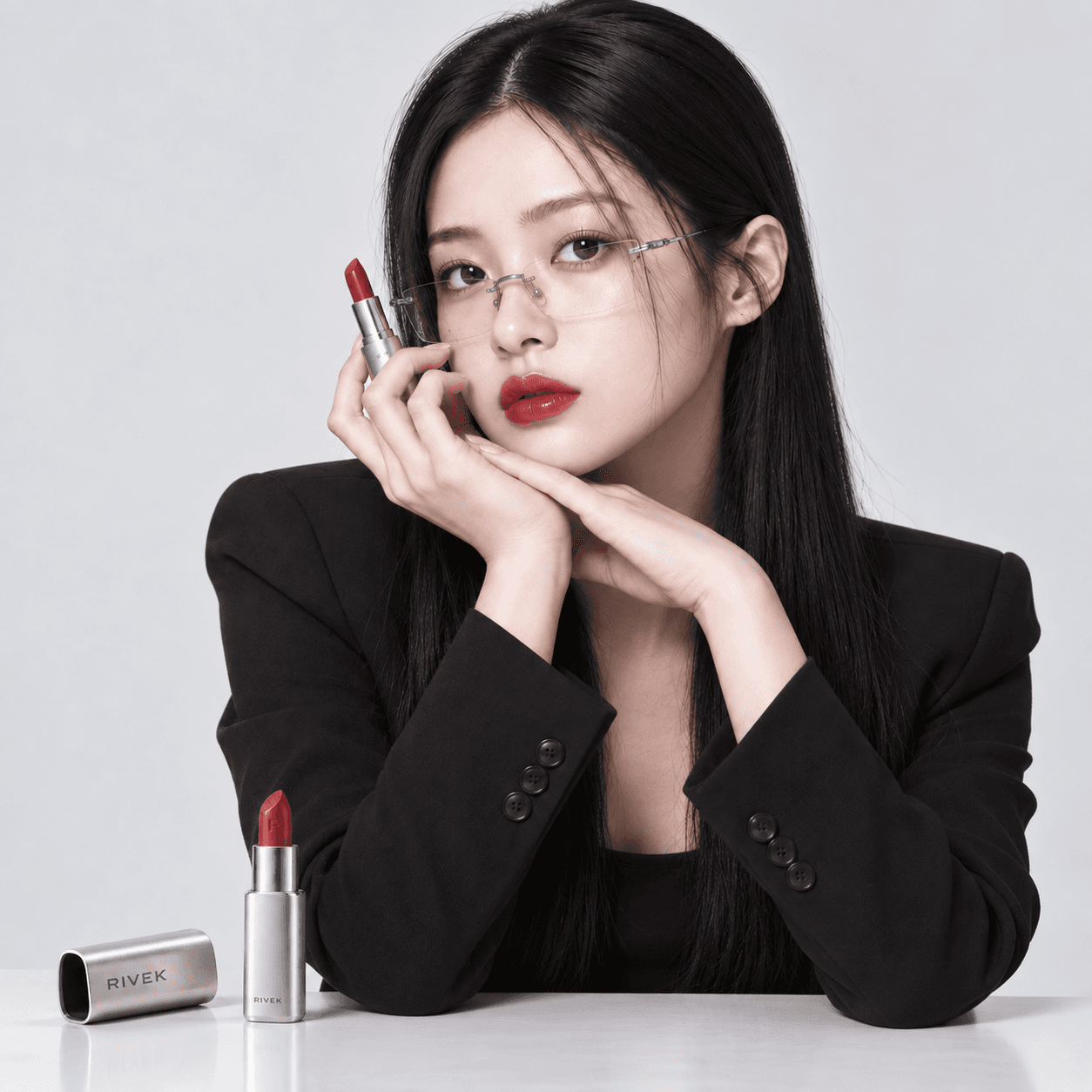
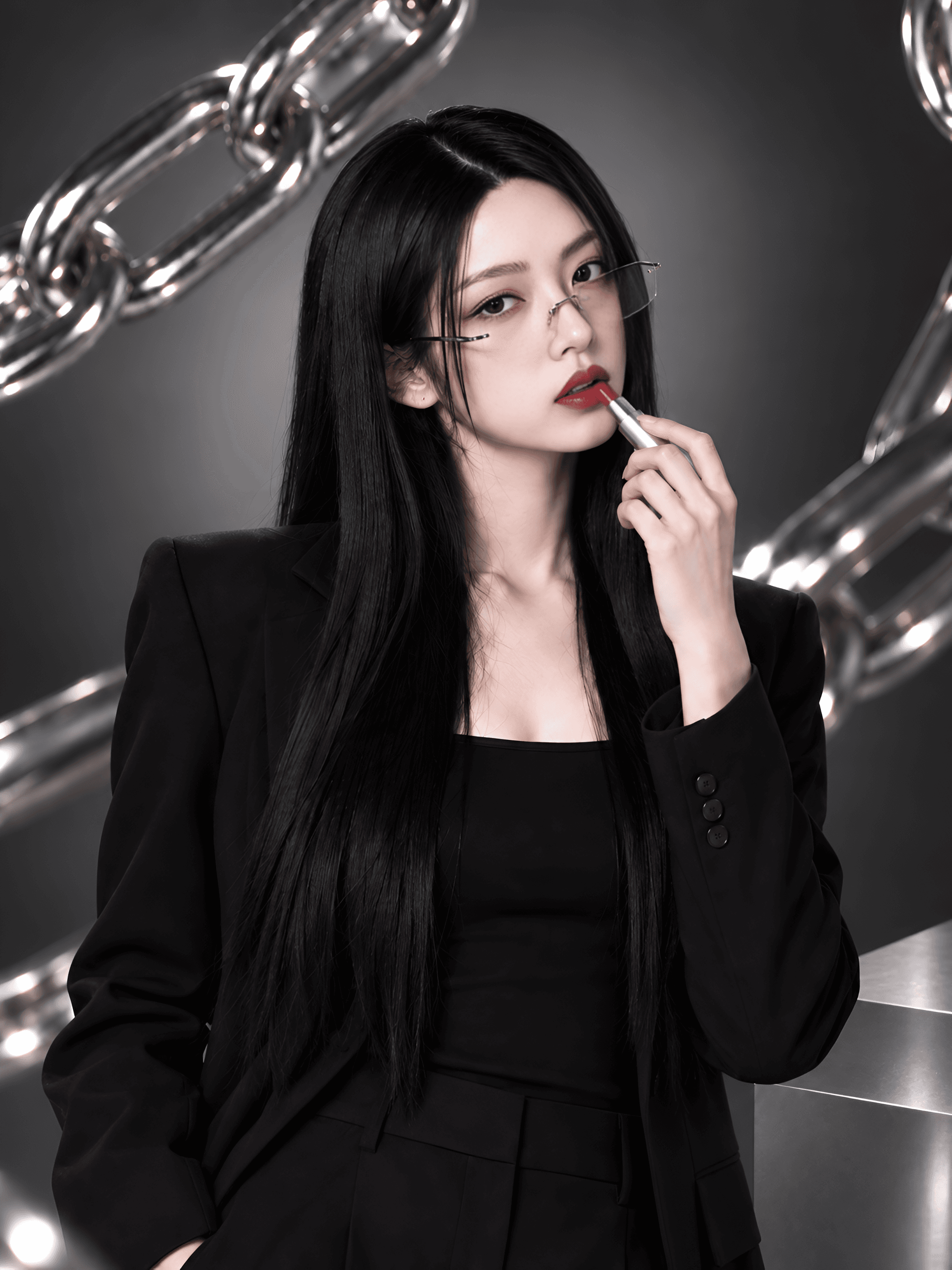
Your existing photos, a starting point for more
Keep the defining features of your model and product.
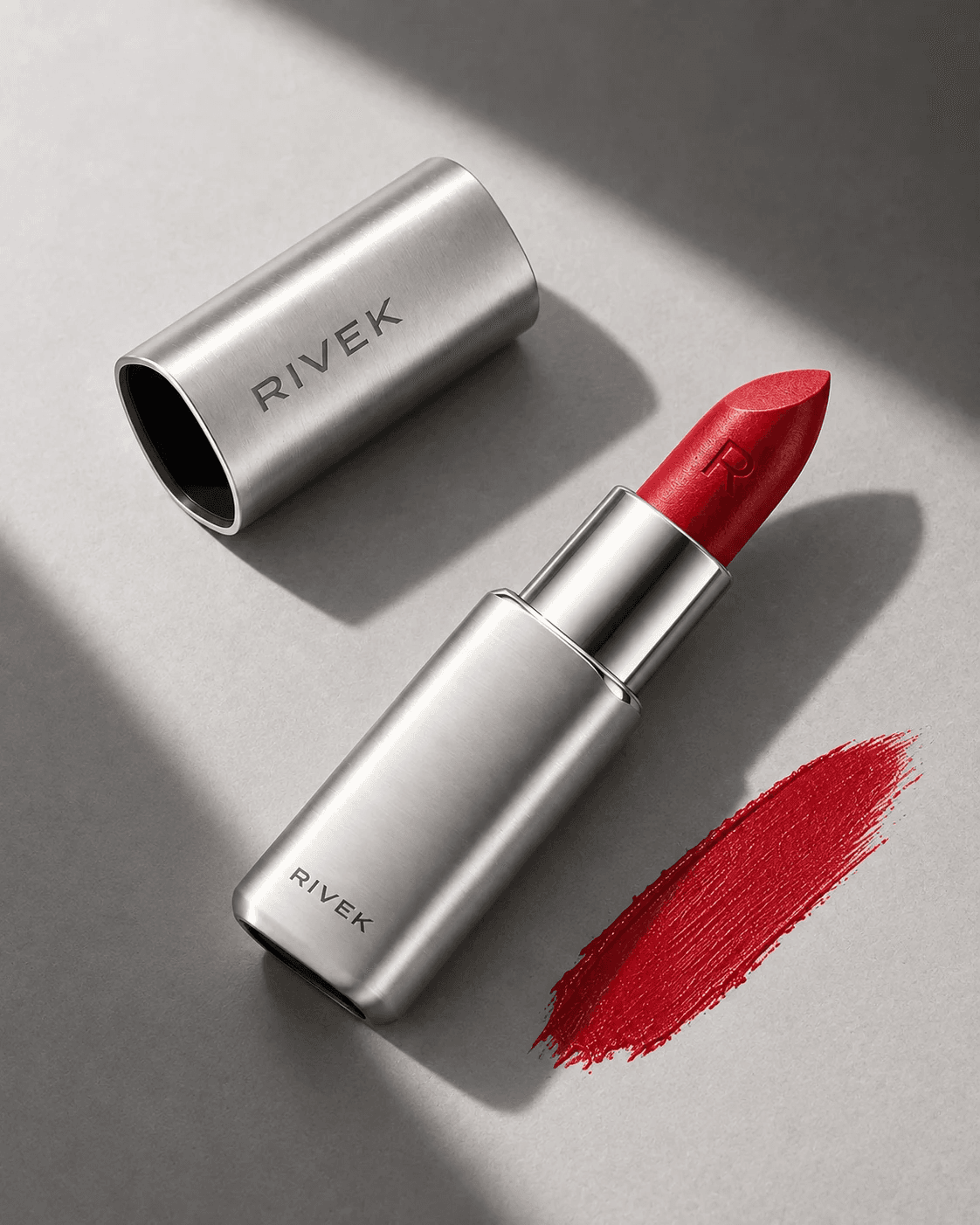
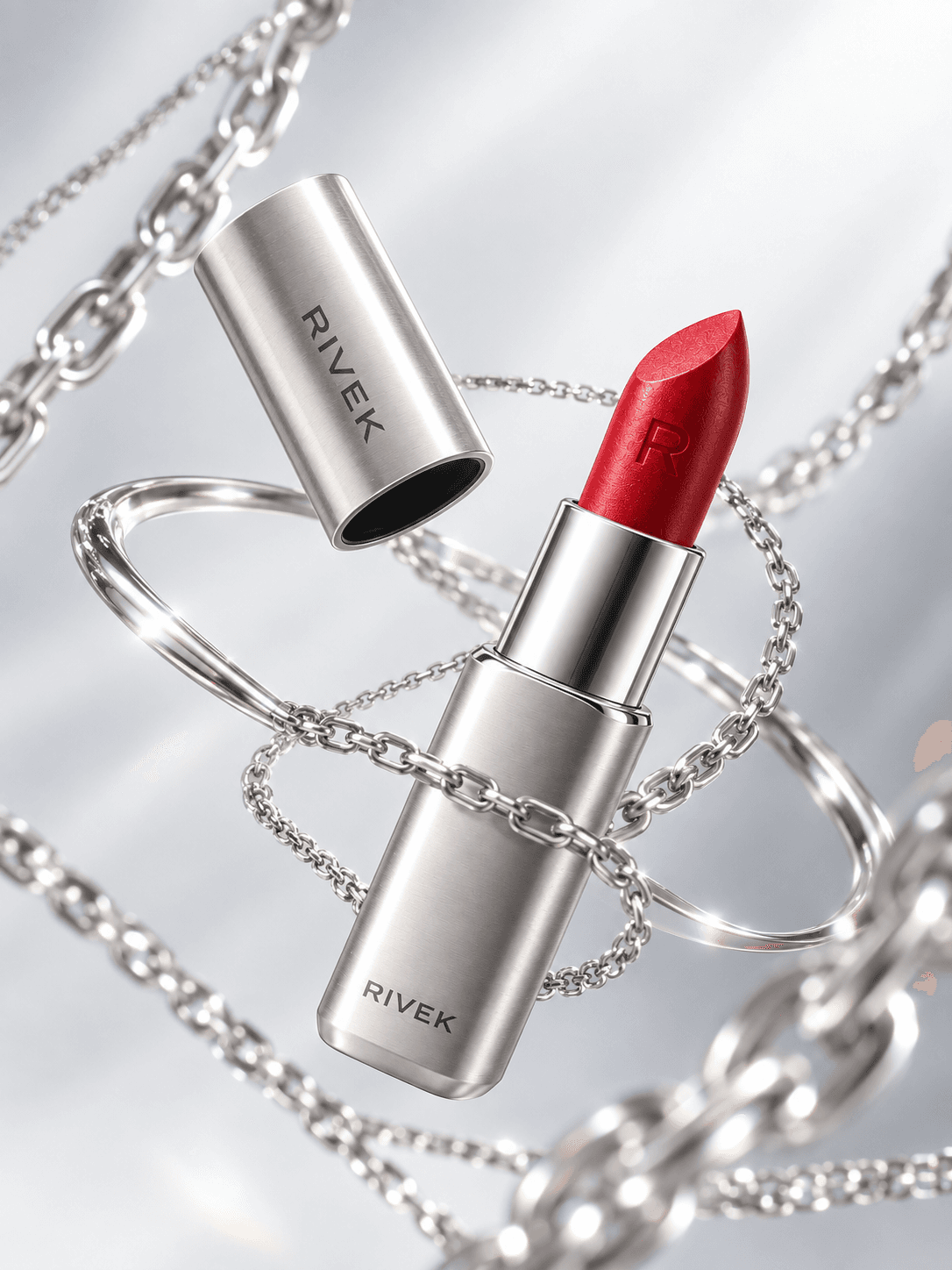
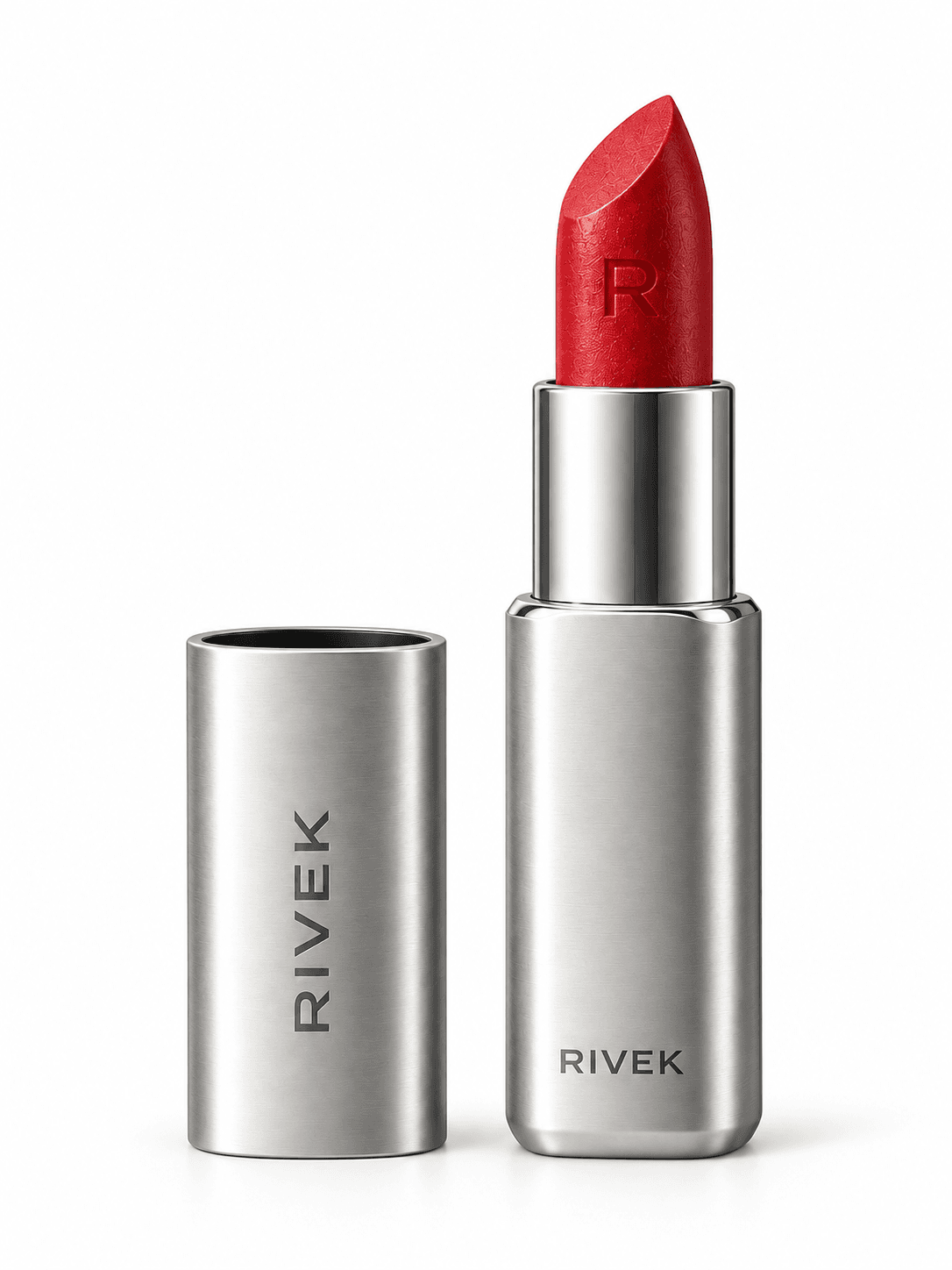
True to your product’s shape and proportions
Plan visuals around real product dimensions and details.
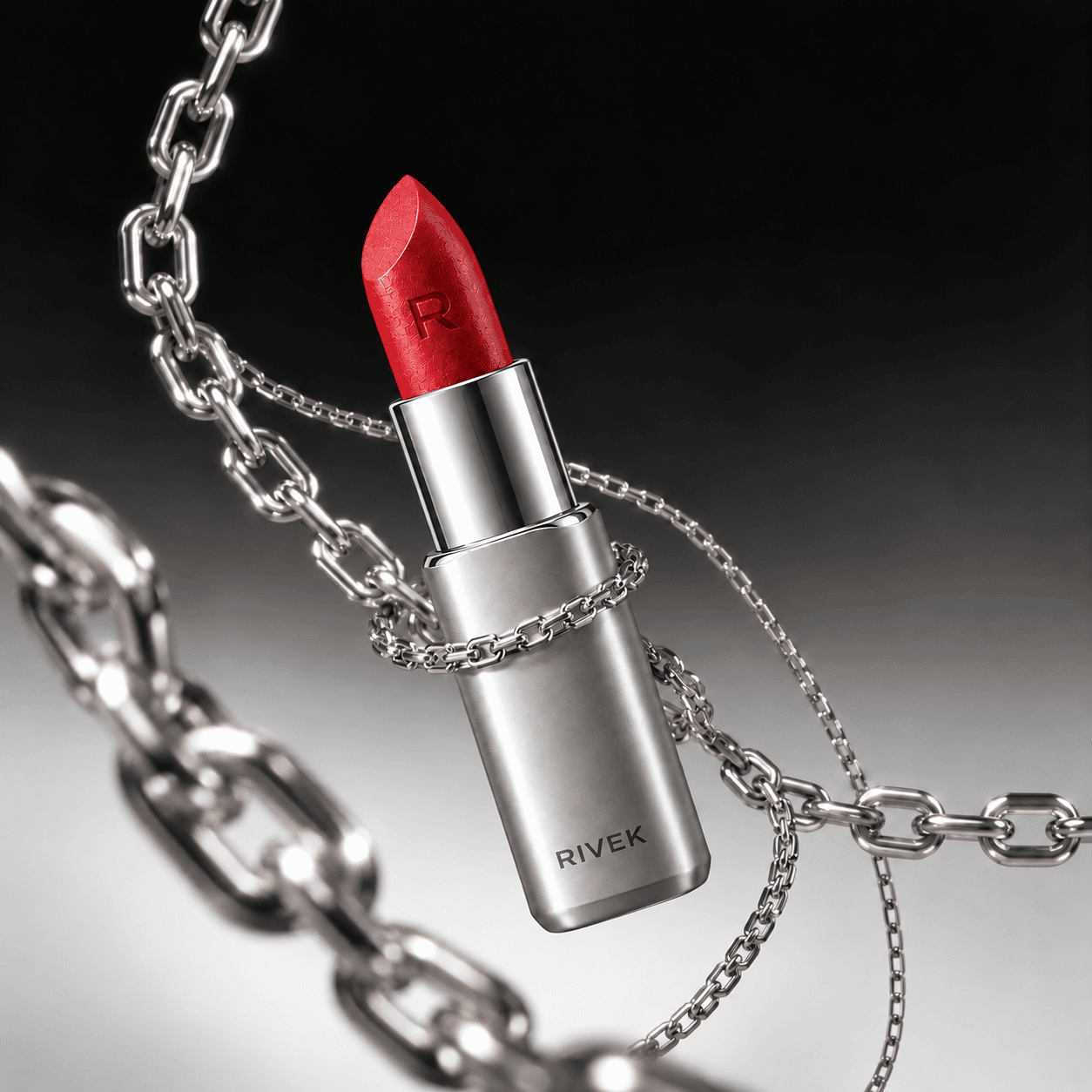
See the mood. Find your brand’s fit.
Choose a moodboard and explore visuals created in that style.
Choose your mood
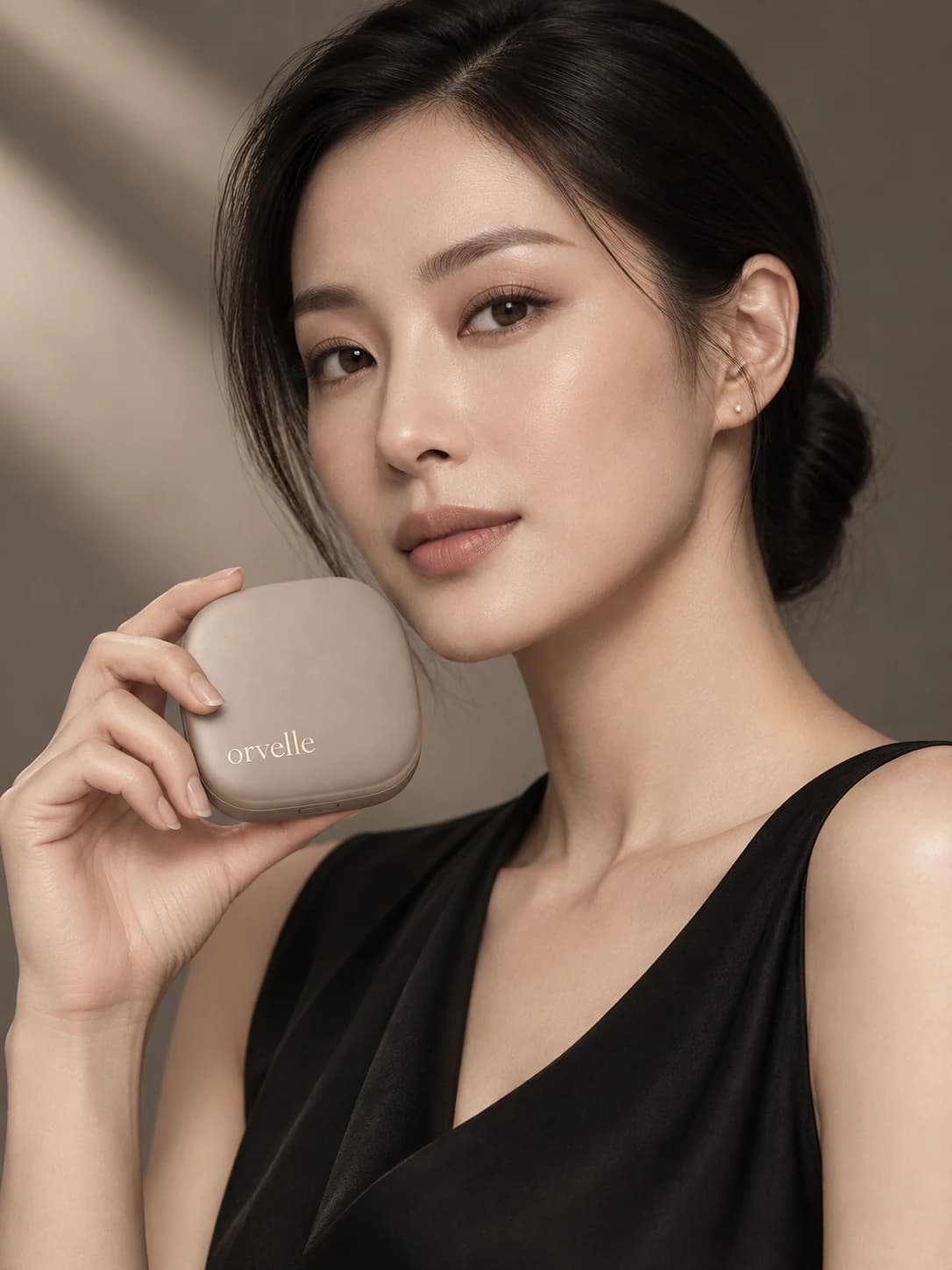
Luxuryorvelle
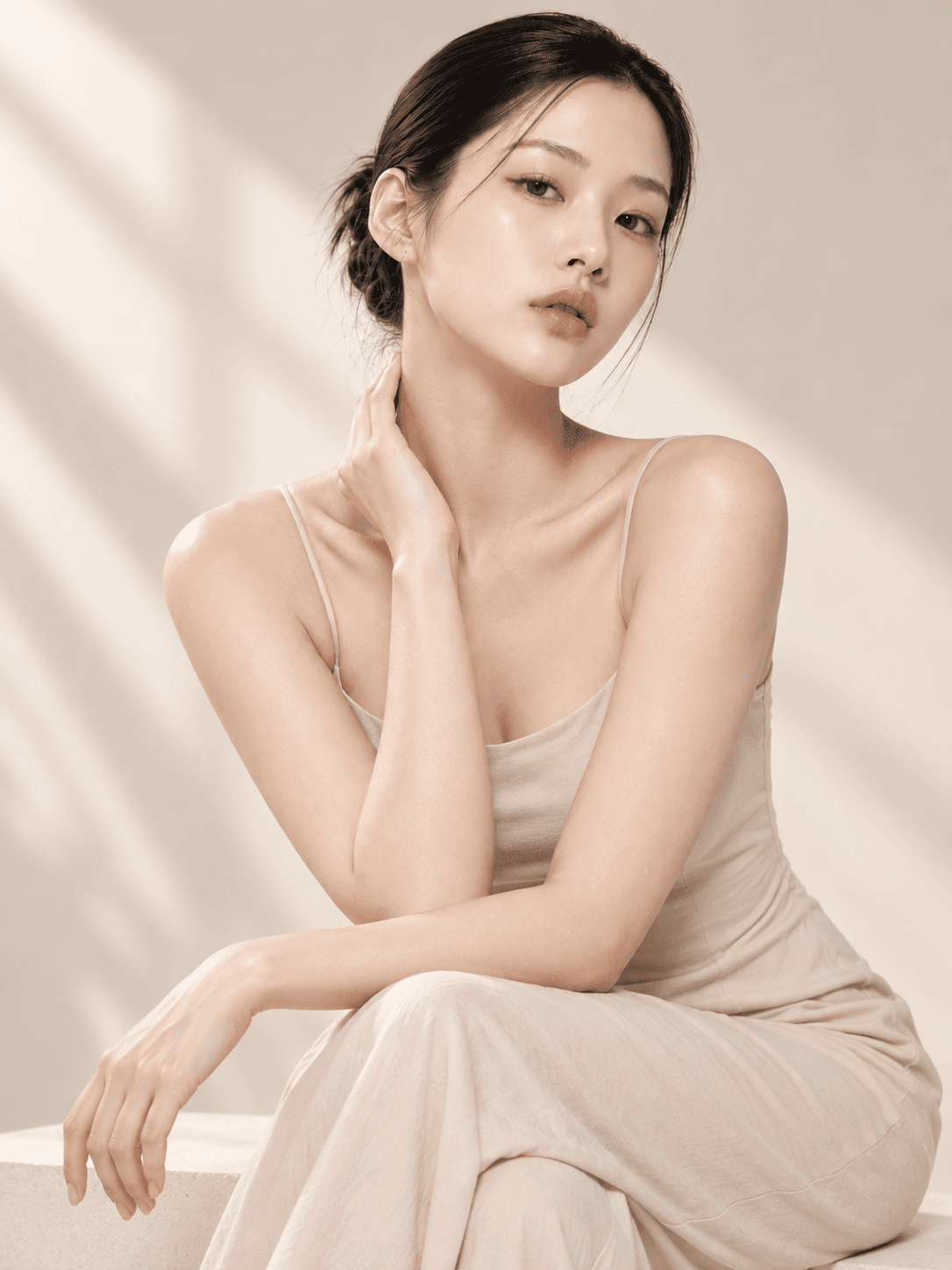
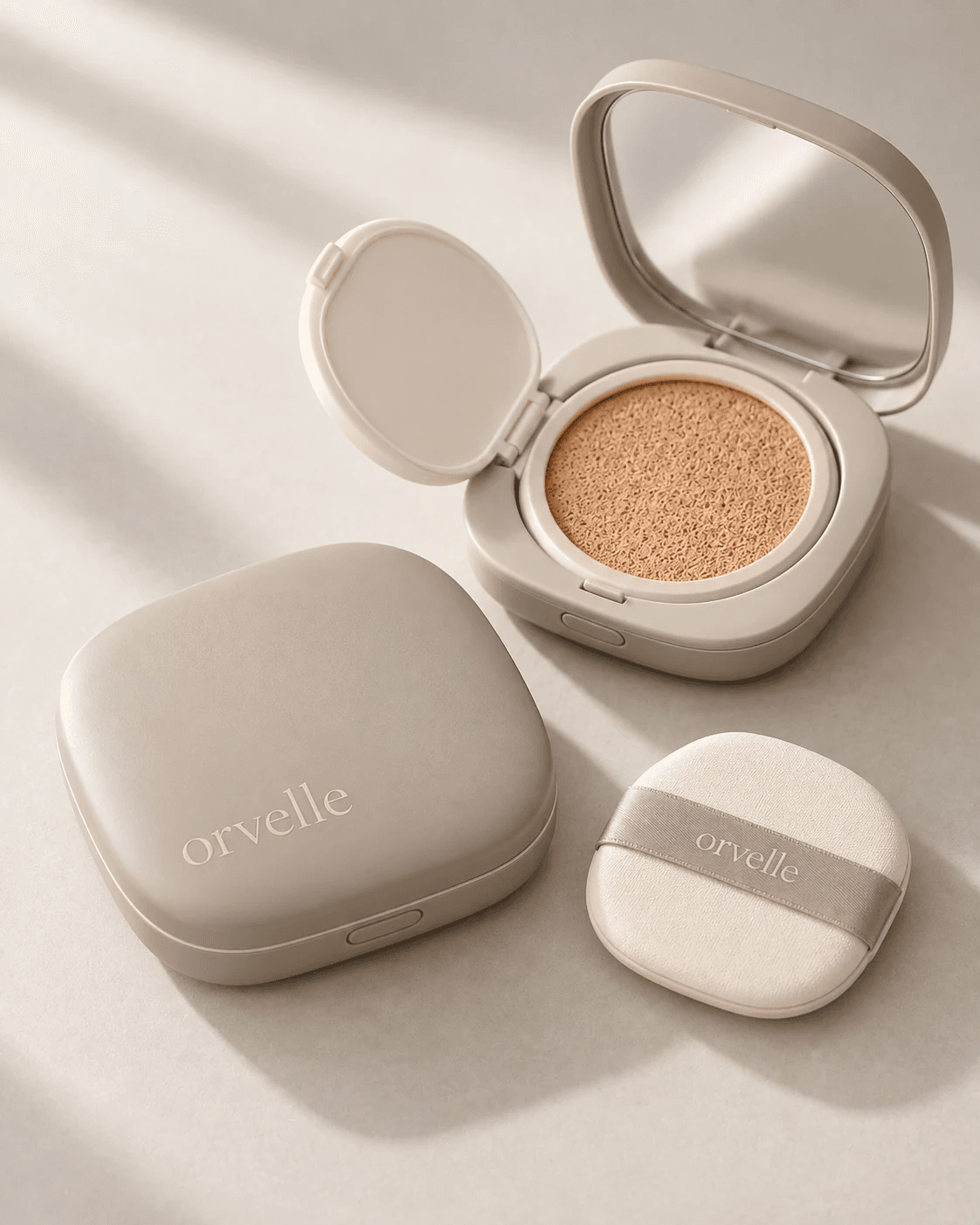
Bring your brand and concept into the next project
Build on your logo, colors, fonts, and saved moods.
Brand guide · Saved conceptorvelleAa Logo · Type · ColorLuxury Warm tones · Soft light
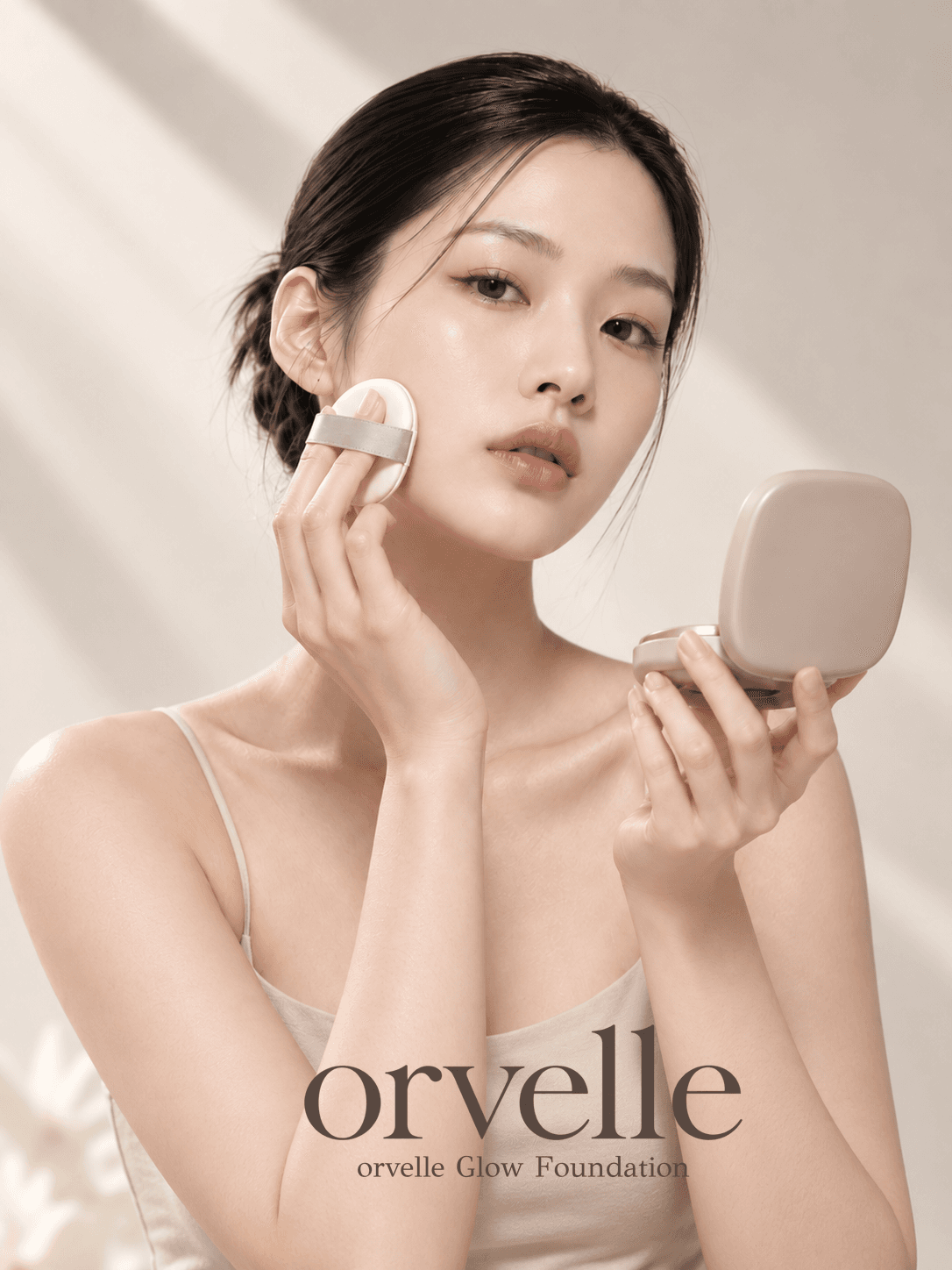
Graphic design with a professional finish
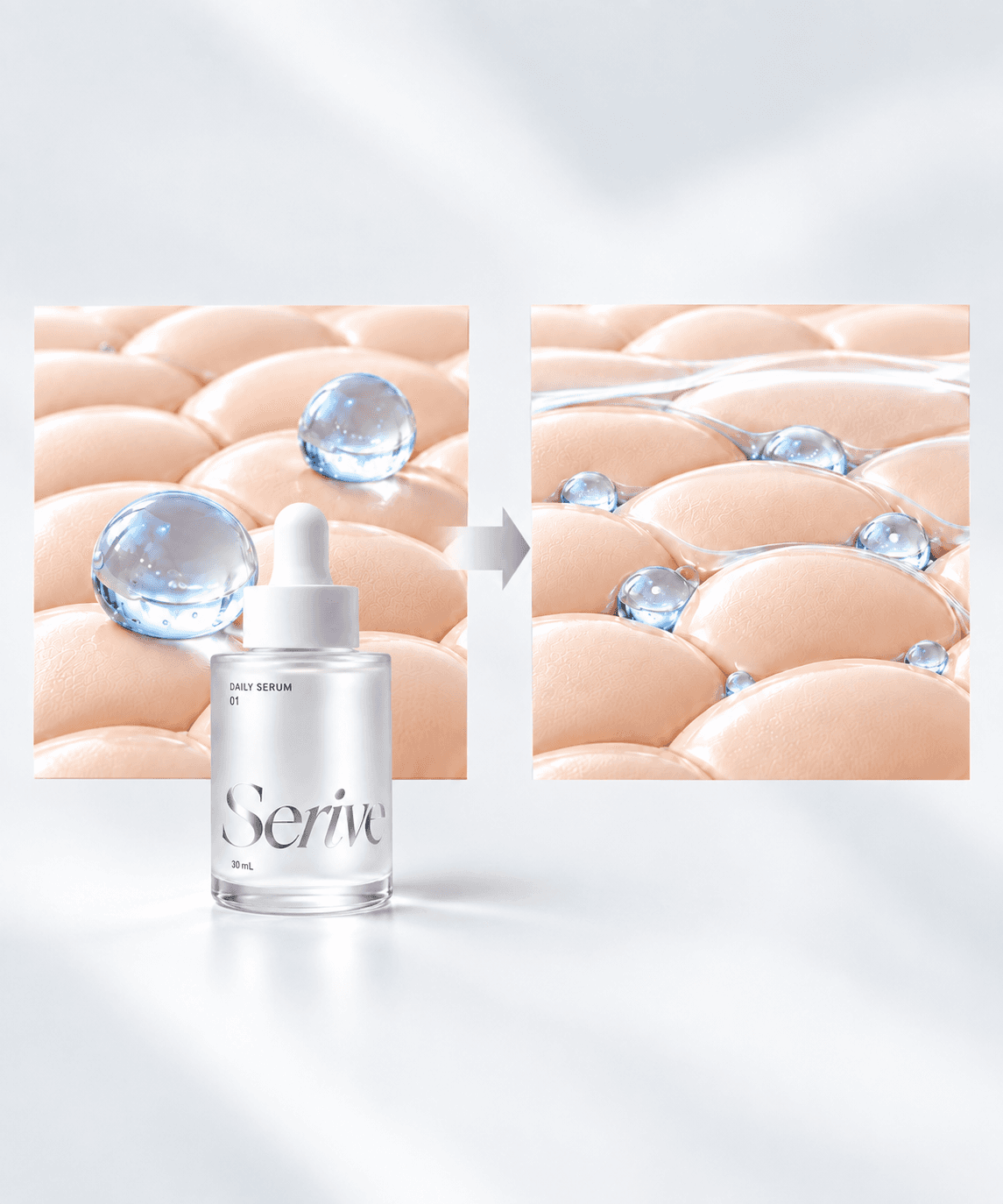
Spend less time searching. More time creating.
From the right template to creating with your AI.
Choose a recommended template and prepare your brand assets and creative brief.
Then create your product page in the ChatGPT you already use.
What story comes first?01 / 04
Seriveproduct page example
Show your product in use first
Start with a layout that fits your product, instead of hunting for references.
Model-led
layout
What story comes first?
Seriveproduct page example
Show your product in use first
Bring your product, logo, model and chosen layout together.
Logo and colors
Creative brief
Create with your prepared assets, then review and refine.
Brand assets
Review and refine
Explore a product page built around your chosen sequence.
Model-led
product page example
The next product. The same brand standards.
Reuse your saved logo, model and brand tone for your next creation.
LESS PREPARATION, MORE CREATION
Less work before you start creating.
ClickWitch helps you choose a design and prepare for production.
PreparationOn your ownWith ClickWitch
Find references
On your own: Search across different sources
With ClickWitch: Choose from recommended options
Plan the layout
On your own: Decide what to show first
With ClickWitch: Review and adjust a suggested sequence
Brand assets
On your own: Gather files and instructions again
With ClickWitch: Use saved assets and your creative brief
ONE BRAND, MANY LANGUAGES
Your brand, unchanged. In another language.
The same product photography. The same brand colors. Explore one product page in Korean, Japanese and English.
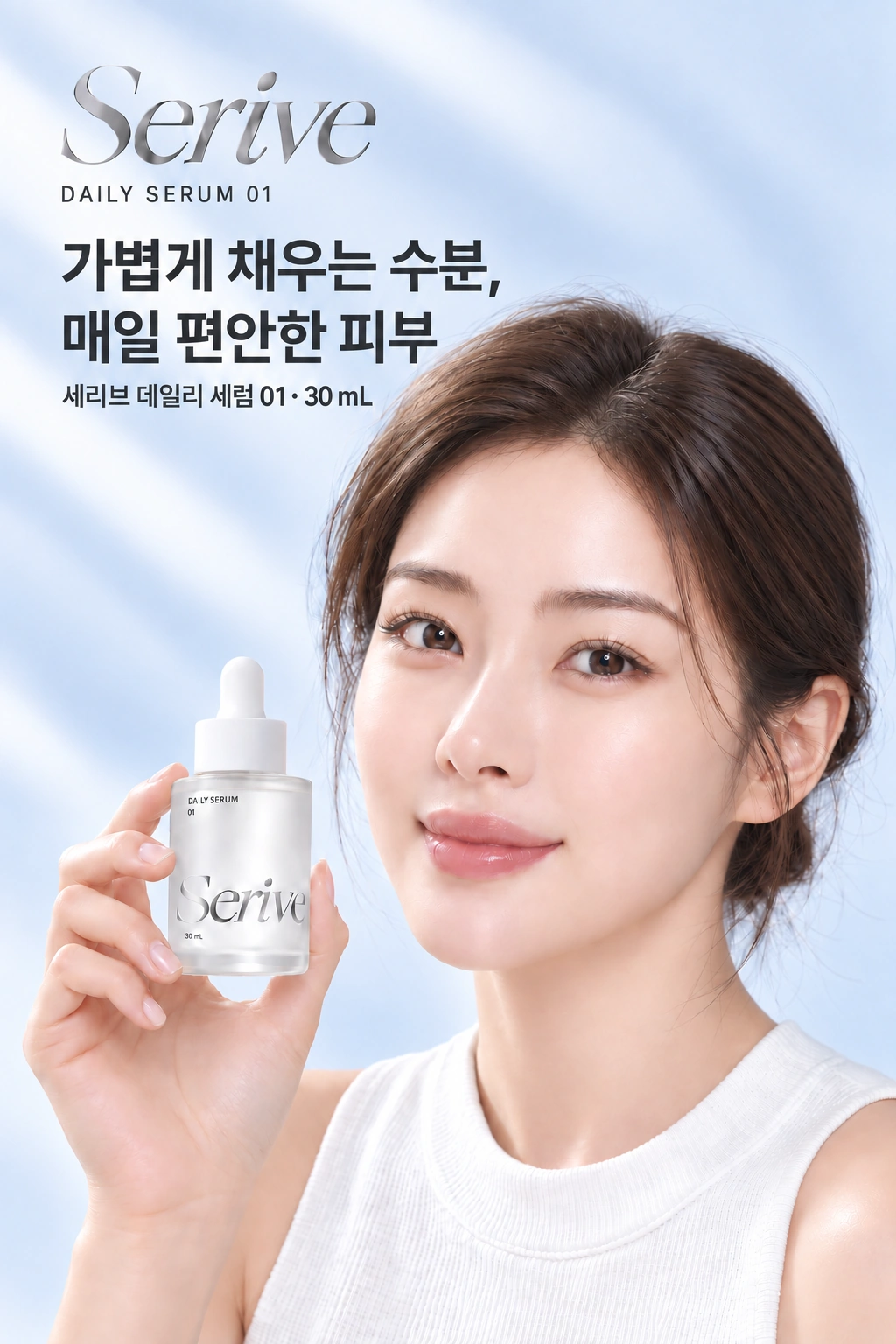
Swipe or use the previous and next buttons to explore languages. Focus the gallery to use the left and right arrow keys, Home and End.
Serive hero campaigns in Korean, Japanese and English are shown together.
Create what's next
for your brand.
From your first image to your next campaign. Unmistakably your brand.
Start with ClickWitch